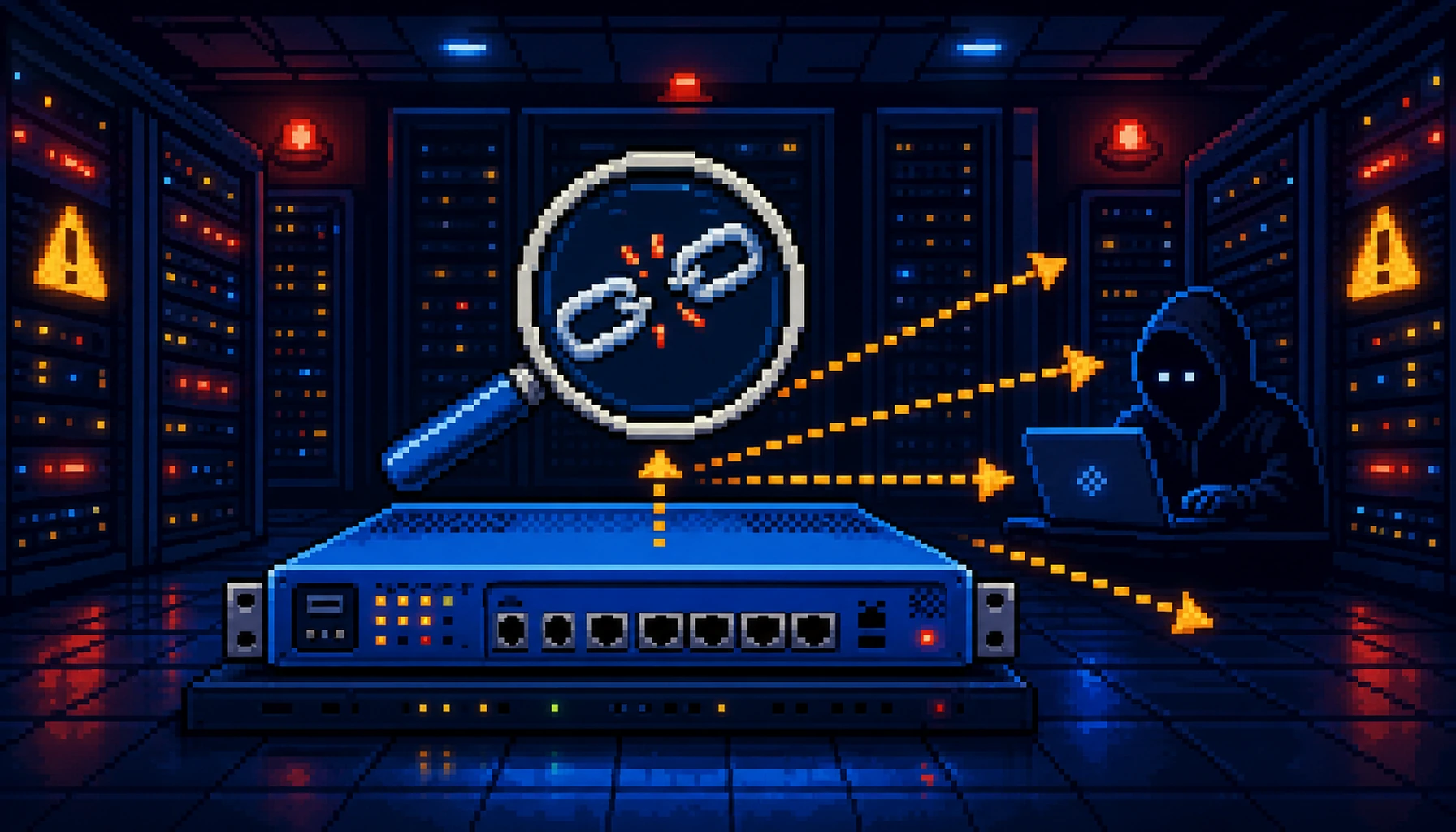
SonicWall published an out-of-band security advisory on July 14, 2026 disclosing two actively exploited zero-days in the SonicWall SMA 1000 series secure access appliances. CVE-2026-15409 is a Server-Side Request Forgery (SSRF) flaw carrying a perfect CVSS 10.0 score, allowing unauthenticated remote attackers to send arbitrary internal requests from the appliance. CVE-2026-15410 is a code injection flaw (CVSS 7.2) that is exploitable by a remote attacker with admin credentials. Both vulnerabilities have been confirmed exploited in the wild and were added to CISA's Known Exploited Vulnerabilities catalog on July 14, 2026, with a federal agency patch deadline of July 17, 2026.
What the Vulnerabilities Are
CVE-2026-15409 — SSRF in SonicWall SMA 1000 (CVSS 10.0)
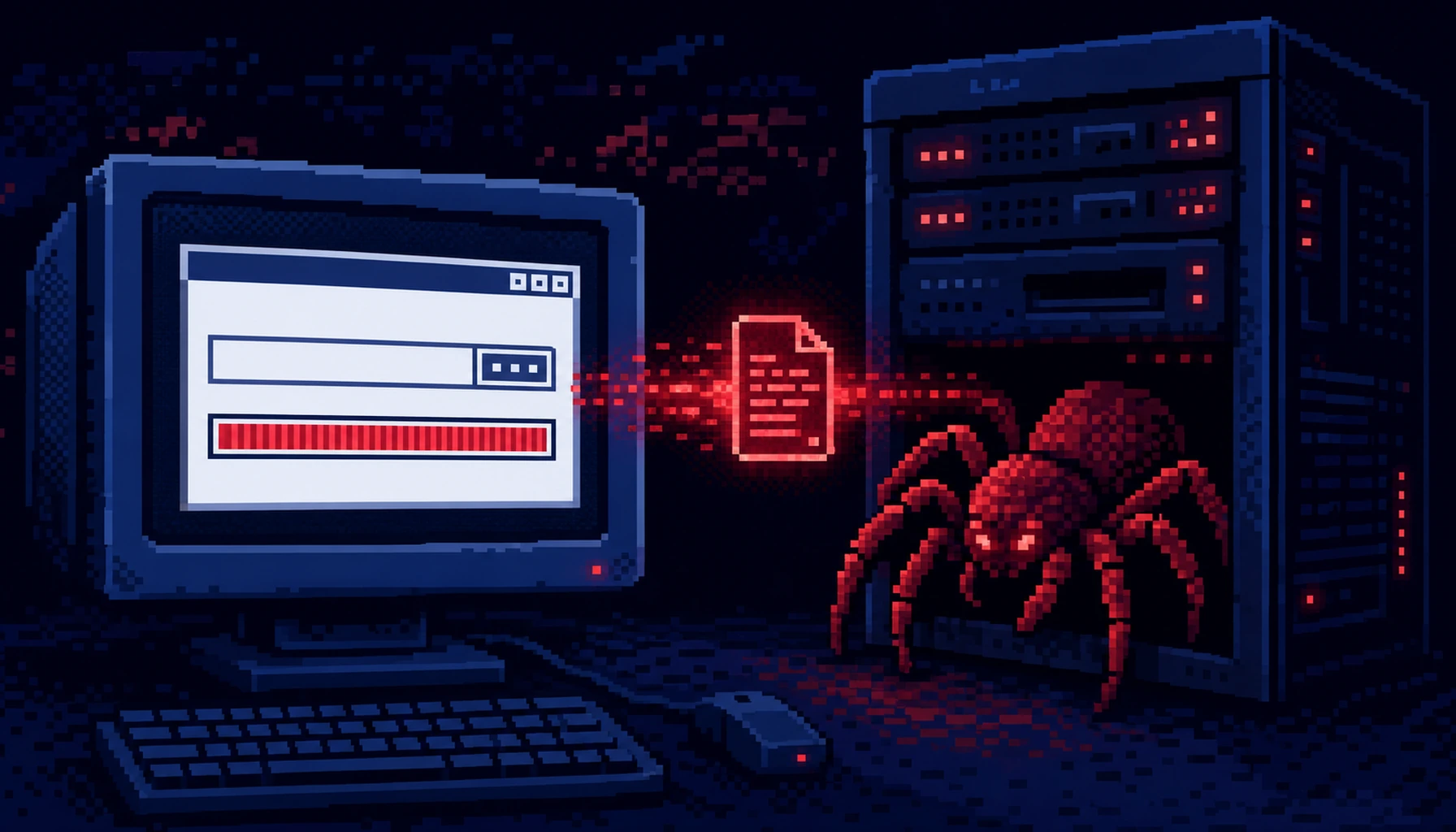
A Server-Side Request Forgery vulnerability in the SMA 1000 web management interface allows an unauthenticated remote attacker to send arbitrary HTTP requests from the appliance to internal hosts and services. With a CVSS 10.0 score — the highest possible — the flaw requires no authentication, no user interaction, and is exploitable over the network with low complexity.
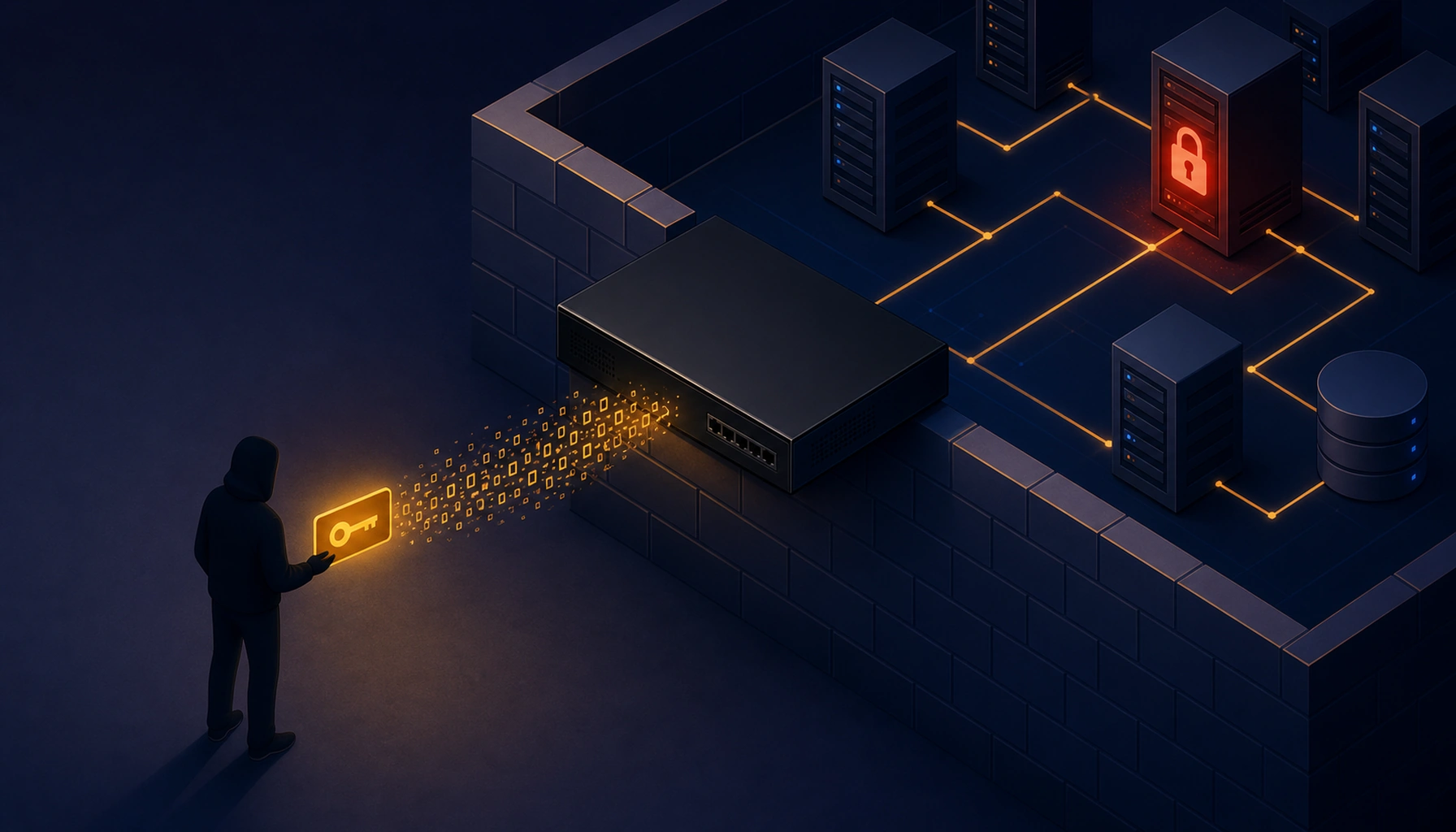
SSRF at this severity class is particularly dangerous on network access appliances: the SMA 1000 is positioned as a network entry point, meaning it has privileged access to internal segments that external attackers cannot normally reach. By abusing the SSRF, an attacker can probe internal hosts, reach unauthenticated internal APIs, and potentially pivot deeper into the network.
CVE-2026-15410 — Code Injection in SonicWall SMA 1000 (CVSS 7.2)
A code injection vulnerability requiring admin-level credentials. In an attack scenario, CVE-2026-15409 (the unauthenticated SSRF) can be leveraged to gain access to the admin interface or pivot to admin credentials, after which CVE-2026-15410 enables code injection for full system compromise.
Affected Models and Versions
Affected SMA 1000 models: 6210, 7210, 8200v. Vulnerable hotfix versions include 12.4.3-03245, 12.4.3-03387, 12.4.3-03434, 12.5.0-02283, 12.5.0-02624, and 12.5.0-02800.
Fixed versions: hotfix 12.4.3-03453 or 12.5.0-02835.
Why It Matters
- Both CVEs are actively exploited in the wild — this is not a theoretical risk. Real attackers are using these flaws right now.
- CISA KEV listing means federal civilian agencies (FCEB) are mandated to patch by July 17, 2026. For everyone else, it signals that exploitation is serious and widespread enough to warrant emergency response.
- CVSS 10.0 on a network access appliance is the worst possible combination. The SMA 1000 is the perimeter device trusted to control who gets into the network — compromising it gives attackers exactly the foothold they need.
- The attack chain (SSRF → code injection) allows progression from zero authentication to potential full network compromise.
Am I Affected?
You are affected if you deploy SonicWall SMA 1000 series appliances (models 6210, 7210, or 8200v) running any of these hotfix versions:
- 12.4.3-03245, 12.4.3-03387, 12.4.3-03434
- 12.5.0-02283, 12.5.0-02624, 12.5.0-02800
Note: SonicWall SMA 100 series (100, 200, 400, 500v) is a different product and is not affected by these CVEs.
Check your appliance version in the SonicWall SMA management console under System → About or System → System Info.
What to Do About It: Step-by-Step
- Apply the hotfix immediately. Download and install hotfix 12.4.3-03453 (for 12.4.3 branch) or 12.5.0-02835 (for 12.5.0 branch) from mysonicwall.com. This is an emergency out-of-band release; do not wait for a scheduled maintenance window.
- If patching cannot be done immediately, restrict management interface access:
- Block external/untrusted access to the SMA management web UI at your upstream firewall
- Limit management access to trusted administrator IPs only
- Hunt for signs of compromise using SonicWall's published IOCs. Check the following log files for anomalous entries:
# SSRF exploitation attempts in access log grep -i "ssrf\|internal.*request\|localhost\|127\.0\.0\." /var/log/extraweb_access.log # Anomalous entries in control service log grep -i "injection\|exec\|spawn\|cmd" /var/log/ctrl-service.log # Check for unexpected unit/service configuration changes cat /var/lib/unit/conf.json | python3 -m json.tool - After patching, verify the running version matches the fixed release and confirm normal appliance operation (VPN tunnels, authentication, user sessions).
- Report any confirmed compromise to CISA at cisa.gov/report if you are a federal agency or critical infrastructure operator.
Quick-Win Checklist
- Identified all SonicWall SMA 1000 series appliances in the environment and noted their firmware versions
- Confirmed whether any appliance runs a vulnerable hotfix version (12.4.3-03245/03387/03434 or 12.5.0-02283/02624/02800)
- Applied hotfix 12.4.3-03453 or 12.5.0-02835 immediately
- Restricted management interface to trusted IPs at the perimeter firewall (belt-and-suspenders)
- Reviewed extraweb_access.log and ctrl-service.log for IOCs
- Verified unit configuration file (/var/lib/unit/conf.json) has not been tampered with
- Confirmed normal appliance operation post-patch (VPN connectivity, user authentication)