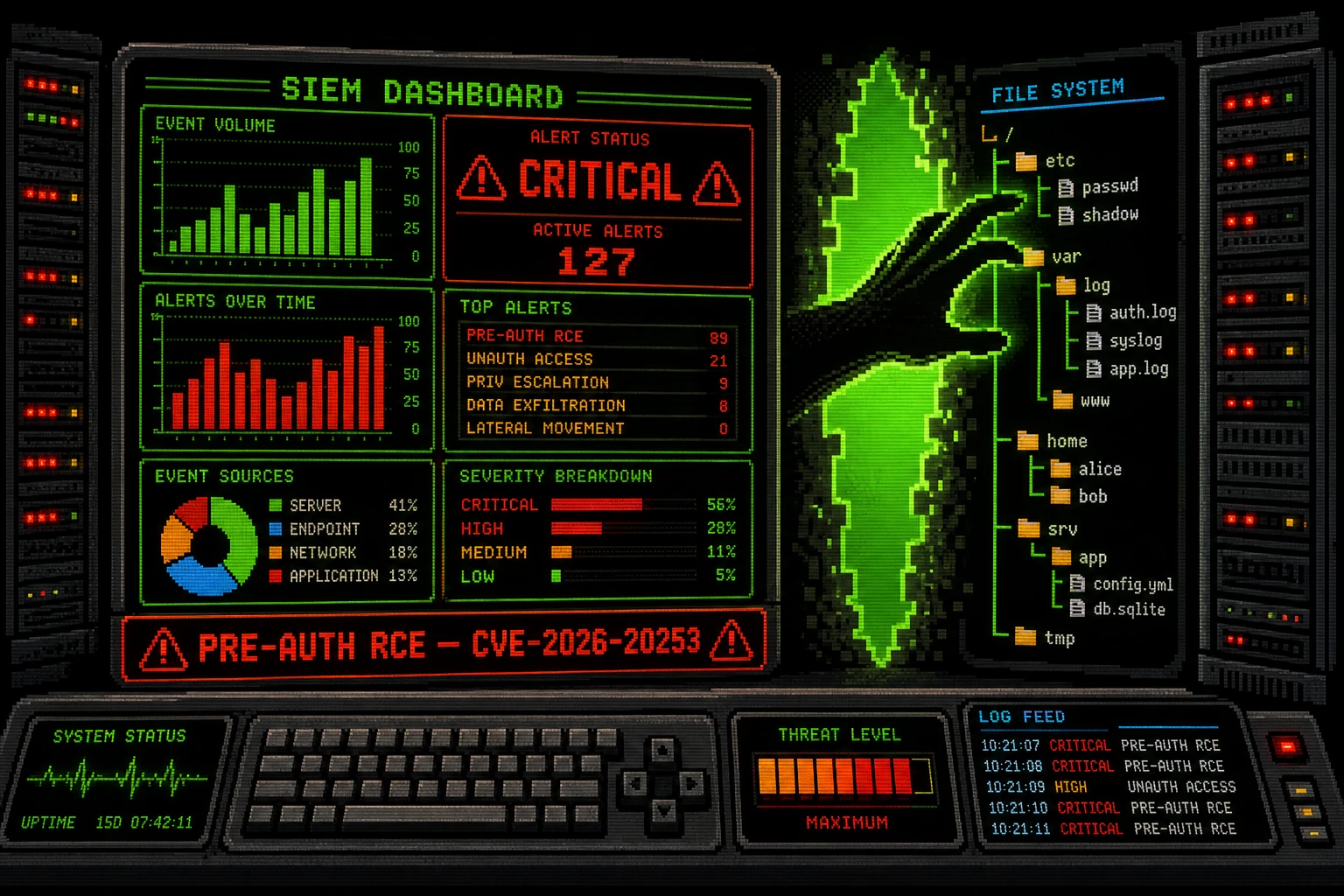
A critical pre-authentication vulnerability in Splunk Enterprise allows any unauthenticated attacker to create or truncate arbitrary files on the Splunk server — a primitive that leads directly to remote code execution. Tracked as CVE-2026-20253 with a CVSS score of 9.8, the flaw lives in an unauthenticated HTTP endpoint exposed by Splunk's internal PostgreSQL sidecar service. CISA added it to the Known Exploited Vulnerabilities catalog on June 18, 2026. WatchTowr released a working proof-of-concept exploit on June 12, and active exploitation was confirmed within days. Over 1,400 Splunk Enterprise instances are currently internet-exposed, with 952 in North America and 223 in Europe. If you run Splunk Enterprise 10.0.0–10.0.6 or 10.2.0–10.2.3, patch now.
What the Vulnerability Is
Splunk Enterprise ships with a PostgreSQL sidecar service that manages database operations for Edge Processor, OpAmp agent management, and SPL2 pipelines. This sidecar exposes two HTTP endpoints without any authentication requirement:
POST /v1/postgres/recovery/backupPOST /v1/postgres/recovery/restore
Both endpoints accept file path parameters and execute file system operations without validating the caller's identity. An unauthenticated attacker can supply arbitrary paths to:
- Create arbitrary files anywhere the Splunk process has write permission (including Splunk's configuration directory, cron directories, and
authorized_keys) - Truncate (zero-out) arbitrary files, destroying configuration or log files
WatchTowr's proof-of-concept demonstrated turning arbitrary file write into remote code execution by writing a Splunk app configuration file or Python script to Splunk's app directory, which Splunk then executes on the next configuration reload or service restart.
Affected versions:
- Splunk Enterprise 10.0.0 – 10.0.6 → fixed in 10.0.7
- Splunk Enterprise 10.2.0 – 10.2.3 → fixed in 10.2.4
Not affected: Splunk Cloud Platform.
Why It Matters
SIEM platforms are among the most privileged systems in any network. Splunk ingests logs from servers, firewalls, endpoint agents, and cloud services. A compromised Splunk instance is not just one server: it potentially exposes all log data across your entire infrastructure, provides network connectivity to systems that only trust Splunk for forwarding, and can serve as a persistent pivot point for attackers operating inside your environment.
The exploitation timeline underscores the urgency: WatchTowr published a PoC on June 12, CISA confirmed active exploitation on June 18, and federal agencies were ordered to patch by June 21 — a six-day exploit-to-active-attack window. Shadowserver tracked 1,400+ internet-exposed Splunk instances throughout this period.
Am I Affected?
You are affected if you run:
- Splunk Enterprise 10.0.x (versions 10.0.0 through 10.0.6)
- Splunk Enterprise 10.2.x (versions 10.2.0 through 10.2.3)
Check your version via the Splunk web UI at Settings → About, or from the command line:
$SPLUNK_HOME/bin/splunk versionIf you see a version in either of those ranges, you are vulnerable. Splunk Cloud Platform users are not affected.
Step-by-Step Remediation
Option A: Apply the Patch (Strongly Recommended)
- Download the patched release from splunk.com: target 10.0.7 if you are on the 10.0.x branch, or 10.2.4 if you are on the 10.2.x branch.
- Apply the upgrade on Linux (adjust path as needed):
sudo $SPLUNK_HOME/bin/splunk stop sudo tar xvzf splunk-10.2.4-<build>-Linux-x86_64.tgz -C /opt sudo $SPLUNK_HOME/bin/splunk start --accept-license --answer-yes - Verify the upgrade:
$SPLUNK_HOME/bin/splunk version - Confirm the PostgreSQL sidecar is updated by checking Splunk's component status at Settings → Monitoring Console → Resource Usage.
Option B: Disable the PostgreSQL Sidecar (Mitigation — If Patching Is Delayed)
This breaks Edge Processor, OpAmp agent management, and SPL2 pipelines. Use only as a temporary measure. Add to $SPLUNK_HOME/etc/system/local/server.conf:
[postgres]
disabled = true
Then restart Splunk:
sudo $SPLUNK_HOME/bin/splunk restartOption C: Network-Level Mitigation
Block all inbound internet traffic to Splunk's management ports and the PostgreSQL sidecar port (check your Splunk version documentation for the specific port — it differs from the main Splunk web port). Use host-based firewall rules (iptables or firewalld) or your perimeter firewall to restrict access to trusted networks only.
Post-Patch Investigation Steps:
- Search Splunk's own access logs for requests to the recovery endpoints from external IPs:
index=_internal sourcetype=splunk_web_access uri="/v1/postgres/*" - Audit the filesystem for unexpected files created in
$SPLUNK_HOME/etc/apps/or$SPLUNK_HOME/etc/system/local/that don't correspond to known configurations. - Rotate Splunk admin credentials and any service account credentials Splunk uses for data forwarding connections.
- Review Splunk's file integrity monitoring or OS-level audit logs for unexpected file creation events around the sidecar port.
Quick-Win Checklist
- Splunk Enterprise version confirmed (target: 10.0.7 or 10.2.4+)
- Patch applied and Splunk restarted
- If unable to patch: PostgreSQL sidecar disabled in
server.conf - Splunk management and sidecar ports firewalled from public internet
- Splunk access logs checked for
/v1/postgres/endpoint hits from external IPs $SPLUNK_HOME/etc/apps/andlocal/audited for unexpected files- Admin credentials rotated post-patch
Sources
- CISA: Splunk Enterprise flaw actively exploited, patch by Sunday — BleepingComputer, June 19, 2026
- Critical Splunk Enterprise Flaw Lets Attackers Run Code Without Authentication — The Hacker News
- Splunk Enterprise Vulnerability Exploited in Attacks Days After Disclosure — SecurityWeek
- WatchTowr CVE-2026-20253 Technical Analysis
- CISA Known Exploited Vulnerabilities Catalog