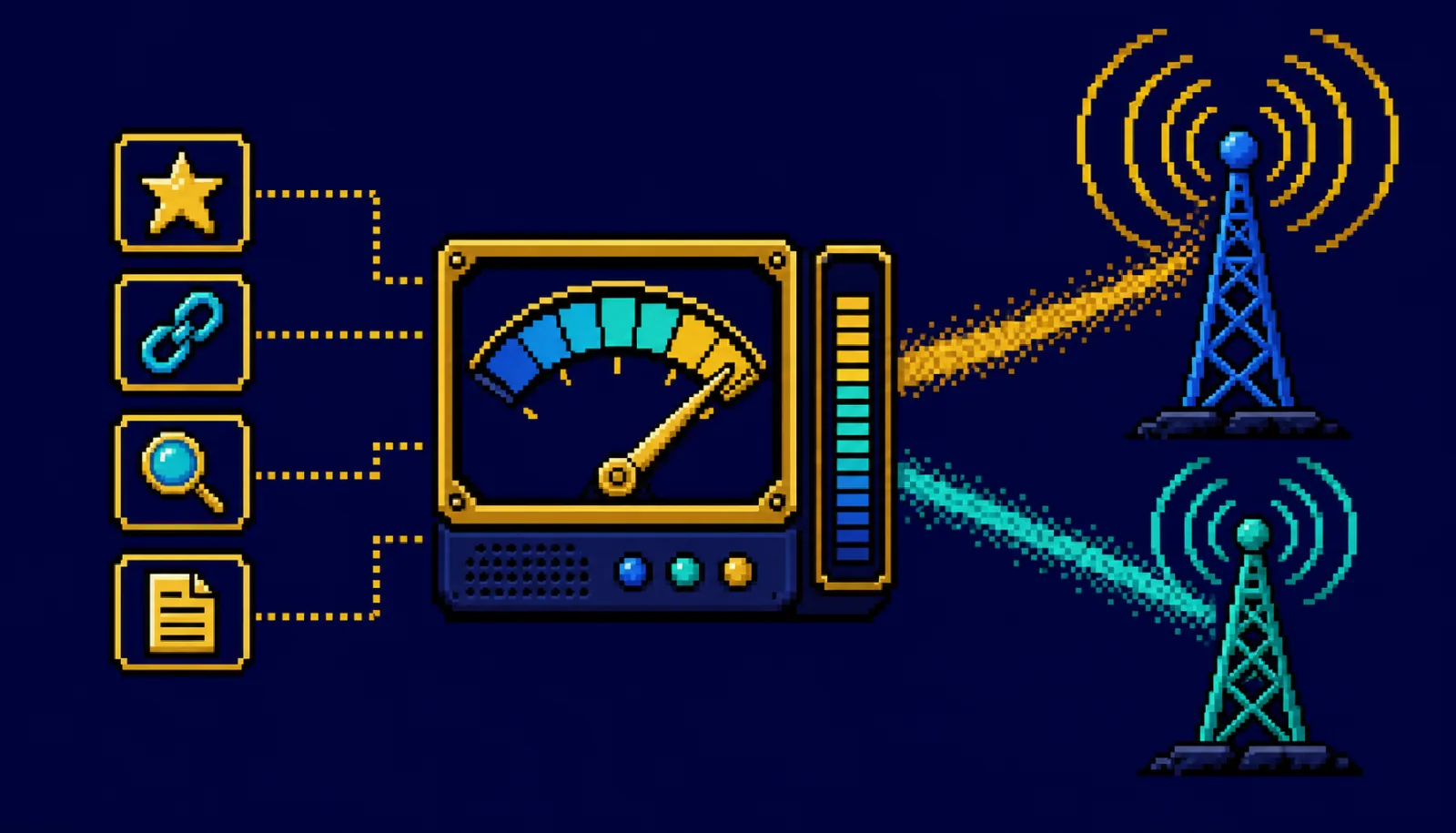
Getting a new page into Bing fast used to be a minor SEO nicety. In 2026 it is something bigger: because ChatGPT Search and Microsoft Copilot both retrieve from Bing's index, how quickly Bing sees your content now shapes whether an AI assistant can cite you. IndexNow is the free protocol that closes that gap – and Bing just gave you a report to measure the payoff. Here's how it fits together and what to set up.
What changed
IndexNow is an open protocol that lets you instantly notify participating search engines whenever you publish, update, or delete a URL – instead of waiting hours or days for a crawler to find the change on its own. You POST a simple JSON list of URLs to one endpoint, and the engines that support the protocol all receive it. Bing, Yandex, Seznam, and Naver participate; Google does not support IndexNow in 2026, so this is specifically a Bing-and-friends play.
What makes that matter more than it did a year ago is where Bing's index now flows:
- ChatGPT Search retrieves from Bing. When ChatGPT browses the live web, it leans on Bing's index to find pages. If Bing hasn't indexed your update, ChatGPT effectively can't see it yet.
- Microsoft Copilot uses Bing too. The same index feeds Copilot's answers and citations.
- Speed compounds. A crawler might take days to rediscover a changed page; an IndexNow ping can put it in front of Bing in seconds to hours – which shortens the delay before an AI assistant can quote it.
Alongside this, Microsoft has built the measurement side out. Bing Webmaster Tools launched an AI Performance report in beta on February 10, 2026, showing how often your content is cited in AI-generated answers across Copilot, Bing's AI summaries, and partner integrations. In June 2026 it expanded with four new views – Intents, Topics, Citation Share, and Compare – on top of the core metrics (total citations, average cited pages per day, the "grounding" queries AI systems used to pull your content, and page-level citation counts).
Why it matters for rankings on Google, Bing, and AI search
Traditional SEO optimized for a ranked list of blue links. AI answers change the currency from ranking to being retrieved and cited – and retrieval starts with being in the index, fast. If your content isn't in Bing's index at the moment a user asks ChatGPT or Copilot a question, you simply aren't a candidate to be cited, no matter how good the page is.
For a small business, that has two practical consequences. First, time-sensitive content – a new service page, a price change, an event, a fresh answer to a common customer question – reaches AI assistants far sooner when you ping IndexNow on publish. Second, the AI Performance report finally gives you a first-party way to see which of your pages AI engines actually cite and for which queries, so you can double down on the topics that already earn citations instead of guessing. None of this replaces Google, but it captures a fast-growing surface that pure Google-focused SEO ignores entirely.
What to do about it
- Set up Bing Webmaster Tools. If you only ever verified Google Search Console, add your site to Bing Webmaster Tools too. You can import your site directly from Search Console to save time, then submit your sitemap.
- Turn on IndexNow. Pick whichever path matches your stack:
- WordPress: install the official IndexNow plugin (or use Rank Math / Yoast, which support it). It generates and hosts your API key automatically and pings on publish/update.
- Cloudflare: enable Crawler Hints (Caching → Configuration → Crawler Hints, or Speed → Crawler Hints). Cloudflare then pushes IndexNow signals when your content changes – no code required.
- Custom site / API: generate an API key, host the
<key>.txtfile at your domain root to prove ownership, and POST your changed URLs to the IndexNow endpoint. See Bing's IndexNow "get started" guide for the exact request format.
- Automate the ping on publish, update, and delete. The value is in immediacy. Make sure new posts, edited pages, and removed URLs all fire an IndexNow notification automatically – don't rely on submitting URLs by hand.
- Verify it's working. In Bing Webmaster Tools, check the URL submission / IndexNow status to confirm your pings are being received.
- Review the AI Performance report. Once you have data, look at total citations, your top cited pages, and the grounding queries. Use Citation Share and Compare to see where you stand versus the topic, and Intents/Topics to find themes where you're cited (or conspicuously absent).
- Turn citation gaps into content. Where the report shows AI engines answering questions in your niche without citing you, create or sharpen the page that deserves the citation – then ping IndexNow so Bing sees it quickly.
Common mistakes / what to avoid
- Expecting IndexNow to help with Google. Google doesn't support it. IndexNow speeds Bing (and therefore ChatGPT/Copilot) – keep using Search Console and sitemaps for Google.
- Treating faster indexing as a ranking boost. IndexNow gets you seen sooner; it doesn't make thin or low-quality content rank or get cited. Content quality still decides whether you're chosen.
- Setting it up once and forgetting automation. A one-time manual submission misses the point. If pings don't fire on every publish/update, you lose the immediacy that makes this worth doing.
- Ignoring Bing entirely because it's "small." Bing's share of classic search is modest, but its index now underpins major AI assistants – so its reach is much larger than its search-engine market share suggests.
- Skipping the AI Performance report. Without it you're optimizing for AI citations blind. It's free first-party data – use it.
Quick-win checklist
- Add and verify your site in Bing Webmaster Tools (import from Search Console)
- Enable IndexNow via your CMS plugin, Cloudflare Crawler Hints, or a hosted API key
- Confirm pings fire automatically on publish, update, and delete
- Verify IndexNow submissions are being received in Bing Webmaster Tools
- Open the AI Performance report and note your top cited pages and grounding queries
- Use Citation Share / Compare to benchmark against your topic
- Create or improve pages for questions where AI cites competitors but not you, then ping IndexNow