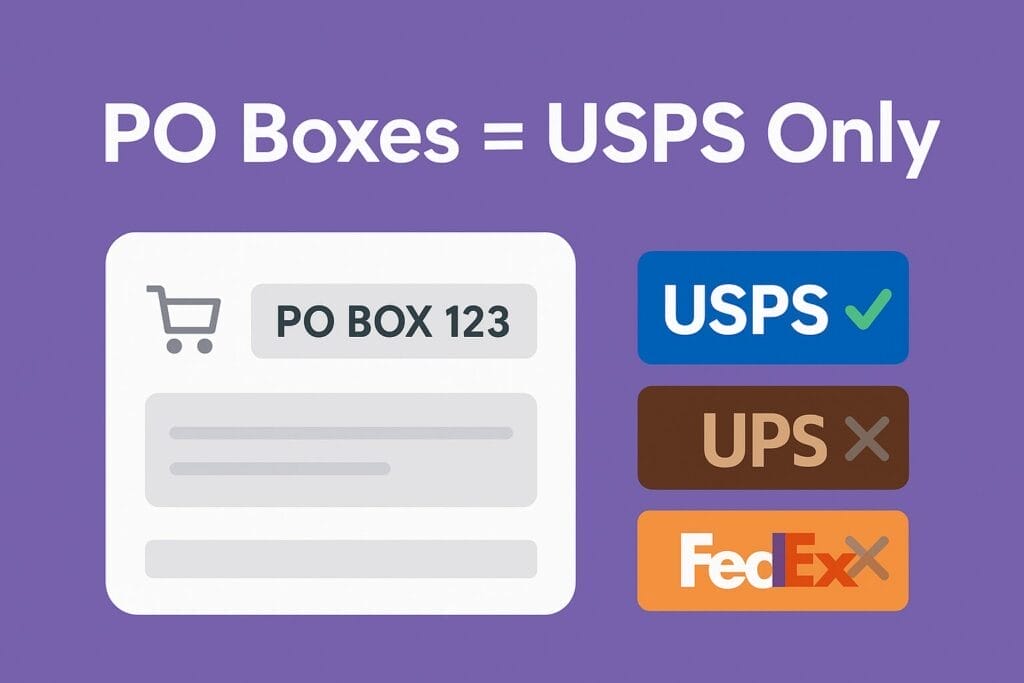
If a customer types a PO Box (or APO/FPO/DPO) as the shipping address, UPS and FedEx won’t deliver. The cleanest fix is to automatically hide all non-USPS rates whenever a PO Box is detected. You can do this with a tiny, safe, copy-paste “must-use” plugin—no paid plugins required.
Why this matters (in plain English)
- USPS delivers to PO Boxes.
- UPS/FedEx do not—you’ll get delivery failures, manual re-shipments, or angry emails.
- Many stores leave all carriers visible, which confuses customers and creates support headaches.
The goal: If PO Box → only show USPS. Easy for the customer, safe for you.
Do you need this?
Check these quick signs:
- You see orders with “PO Box” in the shipping address.
- You’ve had delivery failures because a non-USPS service was chosen for a PO Box.
- You want to prevent mistakes instead of catching them after the label prints.
If that’s you, keep reading—this takes 5 minutes.
The fast, free solution (no coding skills required)
We’ll add a tiny “must-use” (MU) plugin. MU plugins are just PHP files you drop into a folder—no settings screen, no updates to break it, and you can delete it anytime.
Step 1 — Open your site files
- Go to your hosting File Manager (or SFTP)
- Navigate to:
wp-content/
Step 2 — Create the MU plugins folder (if it doesn’t exist)
- Create a folder named:
mu-plugins
Step 3 — Create a new file
- Inside
mu-plugins, createccms-po-box-filter.php
Step 4 — Copy-paste this code and save
<?php
/**
 * Plugin Name: CCMS – PO Box filter (USPS-only)
 * Description: If the ship-to address is a PO Box (incl. APO/FPO/DPO), remove all non-USPS rates so only USPS shows at checkout.
 * Version: 1.0.0
 * Author: CCMS
 *
 * Runs after other rate modifiers.
 */

add_filter('woocommerce_package_rates', function ($rates, $package) {

    // --- Detect PO Box / P.O. Box / P O Box / POB / Post Office Box / APO / FPO / DPO ---
    $is_po_box = (function(array $dest): bool {
        $fields = [];
        foreach (['address_1','address_2','company'] as $k) {
            if (!empty($dest[$k])) $fields[] = (string)$dest[$k];
        }
        if (!$fields) return false;

        // Normalize spaces & punctuation
        $hay = strtolower(trim(preg_replace('/\s+/', ' ', implode(' ', $fields))));
        $norm = preg_replace('/[\.#,\-]/', ' ', $hay);
        $norm = preg_replace('/\s+/', ' ', $norm);

        $patterns = [
            // PO Box, P.O. Box, P O Box, PO BX, POB, P.O.B
            '/\b(p\s*\.?\s*o\s*\.?\s*|po\s+|p\s+o\s+)(box|bx)\b/i',
            '/\bpost\s+office\s+box\b/i',     // Post Office Box
            '/\b(p\s*\.?\s*o\s*\.?\s*b(?:ox)?)\b/i', // POB / P.O.B / POBX
            '/\b(apo|fpo|dpo)\b/i',           // military / diplomatic
        ];

        foreach ($patterns as $rx) {
            if (preg_match($rx, $norm)) return true;
        }
        return false;
    })($package['destination'] ?? []);

    if (!$is_po_box) return $rates; // normal street address: do nothing

    // --- Keep only USPS (and Stamps.com USPS); drop UPS/FedEx/etc. ---
    foreach ($rates as $id => $rate) {
        $label = method_exists($rate,'get_label') ? $rate->get_label() : ($rate->label ?? '');
        $lab   = strtolower((string)$label);

        $is_usps = (strpos($lab,'usps') !== false) || (strpos($lab,'stamps.com') !== false);
        if (!$is_usps) {
            unset($rates[$id]); // hide it
            continue;
        }

        // Optional: tag it for debugging or downstream logic
        if (method_exists($rate,'add_meta_data')) {
            $rate->add_meta_data('ccms_po_box_only', '1');
        }
    }

    return $rates;

}, 1200, 2); // run after other shipping tweaks
That’s it. When a PO Box is present, checkout will show USPS-only. For normal addresses, nothing changes.
Optional: Show a friendly note at checkout
If you want to explain why UPS/FedEx disappeared:
add_action('woocommerce_before_checkout_form', function () {
    $customer = WC()->customer;
    if (!$customer) return;
    $addr = [
        'address_1' => $customer->get_shipping_address_1(),
        'address_2' => $customer->get_shipping_address_2(),
        'company'   => $customer->get_shipping_company(),
    ];
    $text = strtolower(trim($addr['address_1'].' '.$addr['address_2'].' '.$addr['company']));
    if (preg_match('/\b(p\.?\s*o\.?\s*|po\s+|p\s+o\s+)(box|bx)\b/i', $text) || preg_match('/\b(apo|fpo|dpo)\b/i', $text)) {
        wc_print_notice('PO Boxes require USPS delivery. UPS and FedEx have been hidden for this address.', 'notice');
    }
});
(Add this to the same file under the filter, or skip it if you don’t want a message.)
Do I need a special plugin for this?
No. The code above works on any WooCommerce site and doesn’t require a paid add-on.
If you prefer a plugin route:
Look for a “conditional shipping” plugin that can hide methods based on address patterns (PO Box matching). Some are free, some are paid, and features vary. If you’re not comfortable pasting a snippet, a plugin can be a nice point-and-click alternative—just make sure it specifically supports address-based rules (not just weight/price rules).
How to test (dummy-proof)
- Go to checkout and use a test address like:
- Address 1:
P.O. Box 123(orPO Box 123) - City/State/ZIP: any real city/ZIP is fine
- Address 1:
- Check the shipping methods: only USPS should show.
- Switch Address 1 to a normal street (e.g.,
123 Main St) and re-calculate: UPS/FedEx should reappear.
If something looks off, just delete the file—everything goes back to normal.
FAQs
Will this break APO/FPO/DPO military addresses?
No—those are treated like PO Boxes and will see USPS-only options, which is correct.
What about hybrid services (like “Ground Saver” / “SmartPost”)
Those aren’t reliable for PO Boxes in standard Woo setups. Hiding non-USPS across the board for PO Boxes is the safest choice.
Can I undo this easily?
Yes. Delete ccms-po-box-filter.php from mu-plugins.
Will this conflict with my other shipping rules?
No. The filter runs after most rules (priority 1200) and only removes non-USPS when a PO Box is detected.