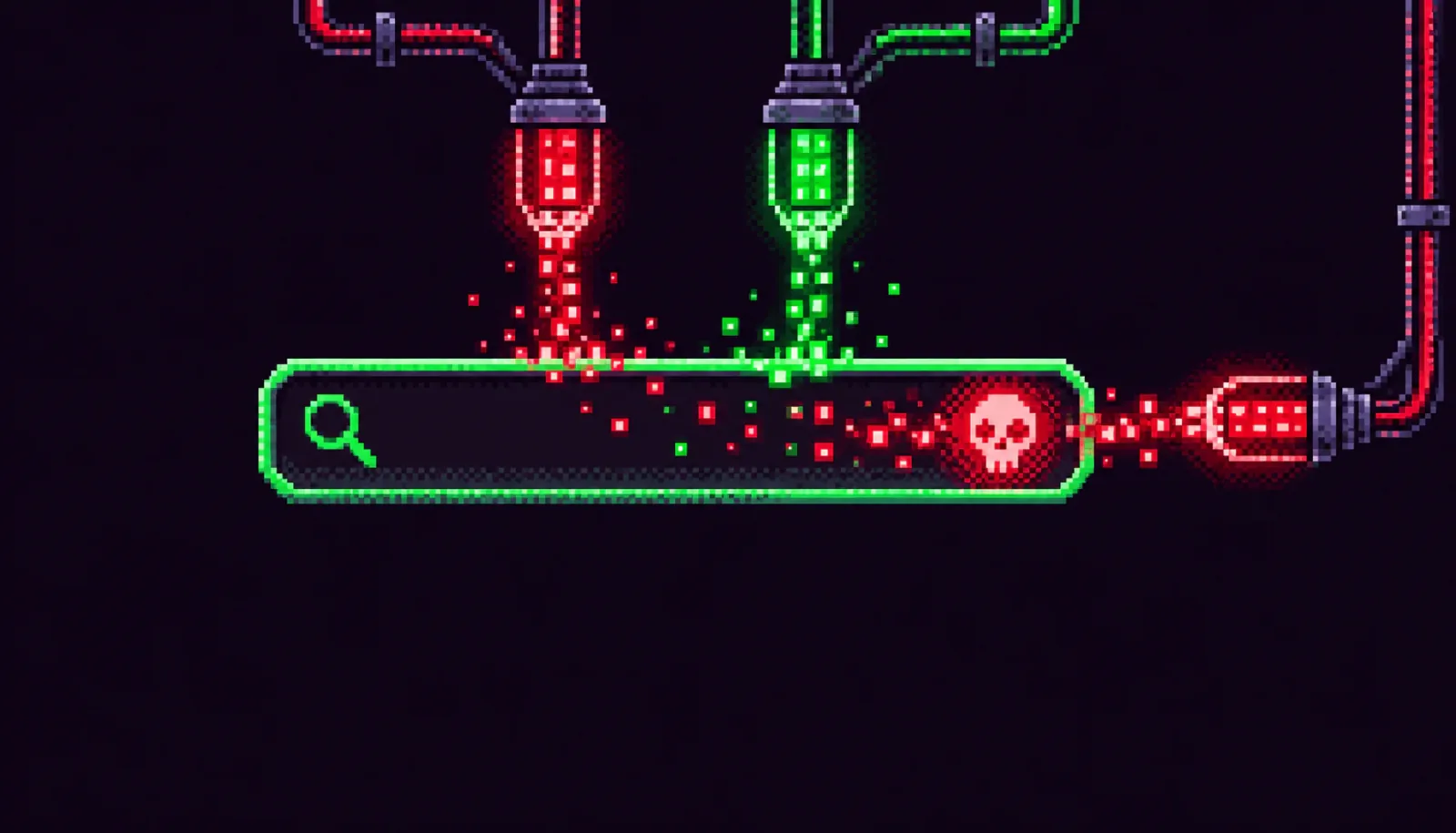
A critical unauthenticated PHP Object Injection vulnerability in the Ajax Search Lite plugin — one of WordPress's most widely used live-search tools — is now confirmed to be actively exploited. Rated CVSS 9.8, the flaw requires no credentials and no user interaction, making it trivially weaponizable by automated scanners hitting all 80,000+ sites running a vulnerable version.
Summary
- CVE: CVE-2026-28139
- Plugin: Ajax Search Lite by WPdreams
- Affected versions: <= 4.14.4
- Patched version: 4.14.5
- CVSS: 9.8 (Critical)
- Authentication required: None
- Active installs: ~80,000
- Status: Patch available — update immediately
What the Vulnerability Is
Ajax Search Lite exposes an unauthenticated REST API endpoint — tied to its search statistics feature — that passes user-supplied data directly to PHP's unserialize() function without sanitization. PHP Object Injection occurs when an attacker can control what gets deserialized: by sending a specially crafted serialized payload, they can instantiate arbitrary PHP objects and trigger "magic methods" (__wakeup, __destruct, __toString, and others) in classes that are already loaded in memory.
In a WordPress environment, the combination of core WordPress classes, popular plugins, and PHP libraries creates a rich pool of "gadget classes" — code fragments that can be chained together (a POP chain, or Property-Oriented Programming chain) to achieve arbitrary file writes, SQL injection, path traversal, or full remote code execution. Because this endpoint requires no login, any unauthenticated visitor — including automated bots — can send the malicious payload directly.
WPScan separately catalogued two closely related injection vectors in the same update cycle: one in the plugin's general serialization handling and one specifically through the Search Statistics REST endpoint. Both are fixed in version 4.14.5.
Why It Matters
Patchstack has flagged CVE-2026-28139 as "Known to be Exploited" (KEV), meaning attacks have been observed in the wild — not merely theorized. A CVSS 9.8 with no authentication required puts this squarely in the category of vulnerabilities used in mass-exploitation campaigns, where attackers scan for any reachable site running a vulnerable version regardless of its size or traffic. Small WordPress blogs are just as exposed as large e-commerce stores.
PHP Object Injection is especially dangerous on WordPress because the platform's plugin ecosystem virtually guarantees that useful gadget chains exist on most installations. Even if Ajax Search Lite itself doesn't contain the code that completes an exploit chain, another installed plugin or WordPress core almost certainly does. Security researchers have demonstrated RCE paths through common WordPress components for years, making this class of vulnerability reliably critical in practice.
Am I Affected?
You are affected if all three of the following are true:
- Your WordPress site has the Ajax Search Lite plugin installed and active.
- The installed version is 4.14.4 or earlier.
- The REST API is accessible — which is the default on most WordPress installations.
To check your version: log in to your WordPress admin dashboard, go to Plugins → Installed Plugins, and look for "Ajax Search Lite." The version number is listed beneath the plugin name. Anything up to and including 4.14.4 is vulnerable.
If you are unsure whether the REST API is reachable from the internet, assume it is. WordPress enables it by default, and most caching and firewall configurations do not block it.
Step-by-Step Remediation
-
Update Ajax Search Lite immediately.
In your WordPress admin dashboard, go to Plugins → Installed Plugins. If an update to version 4.14.5 (or later) is available, click Update Now. Alternatively, go to Dashboard → Updates and apply all pending plugin updates. -
Verify the update applied.
After updating, confirm the version shown in the Plugins list reads 4.14.5 or higher. Do not rely on the "Update available" badge disappearing — confirm the version number directly. -
If you cannot update immediately, disable the plugin.
If a temporary technical blocker prevents updating, deactivate Ajax Search Lite in Plugins → Installed Plugins until the update is possible. A disabled plugin cannot be exploited via its REST endpoints. -
Review recent access logs for exploitation attempts.
Check your web server access logs for unusual POST requests to/wp-json/endpoints originating from unfamiliar IPs, especially around the plugin's statistics or search paths. Patterns like repeated requests withO:prefixes in the body (a PHP serialization signature) indicate active probing. -
Scan for post-exploitation indicators.
If you suspect your site may have been compromised before you could patch, run a server-side malware scan (Wordfence, Imunify360, or your host's scanner) and look for newly created or recently modified PHP files in unexpected locations, particularly inwp-content/uploads/where uploaded shells are commonly placed. -
Consider a WAF rule as a belt-and-suspenders measure.
If you use Wordfence, Patchstack, or a CDN-level WAF such as Cloudflare, ensure firewall rules are up to date. Patchstack has released a virtual patch (mitigation rule) for customers. WAF rules reduce risk but do not substitute for patching the plugin.
Quick-Win Checklist
- ☐ Ajax Search Lite updated to ≥ 4.14.5
- ☐ Plugin version confirmed in dashboard (not just update banner dismissed)
- ☐ Other WPdreams plugins reviewed for pending updates (plugin family may share code)
- ☐ Web server access logs checked for POST requests to
/wp-json/with serialized payloads - ☐ Server-side malware scan completed
- ☐ WAF / Patchstack virtual patch enabled
- ☐ WordPress core and all remaining plugins updated while you're at it
- ☐ Automatic updates enabled or a plugin-update workflow scheduled