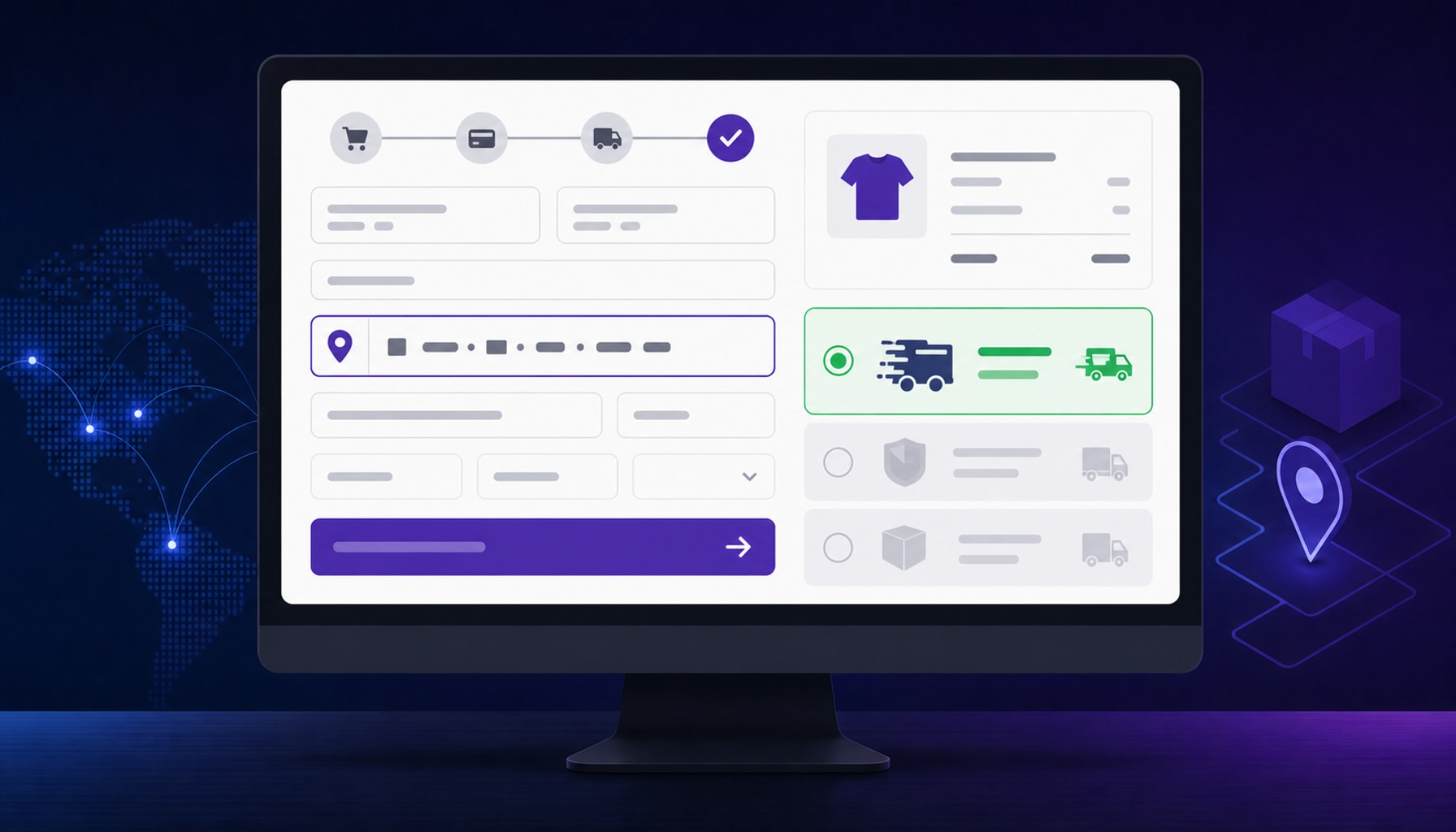
"Just remove the shipping method for that state" is the advice every WooCommerce forum gives for blocking sales to a restricted destination, and it's the advice that gets high-risk merchants in trouble. Excluding a zone doesn't stop checkout — it just means WooCommerce quietly shows no rate, while the customer can often still pay and place the order anyway. I built No Shipping No Checkout under CCMS to close that gap, and it's live now on the WordPress.org plugin directory.
Why "no rate" isn't the same as "blocked"
A few ways a store ends up shipping to a place it meant to exclude, even with the zone correctly configured:
- A fallback or catch-all rate in another zone quietly covers the address you meant to restrict.
- The exclusion is set on some rate rows in a table-rate method but not others.
- WooCommerce shows no shipping rate, but nothing on the classic or block checkout actually stops the customer from reaching payment and submitting anyway.
For a lot of stores that's a refund and an apology email. For a high-risk merchant — supplements, hemp/CBD, kratom, vape, alcohol — a pattern of orders into a banned jurisdiction is a payment-processor problem, and that's a much more expensive kind of mistake than one canceled order.
What the plugin actually does
It watches WooCommerce's calculated shipping. The moment a cart that needs shipping comes back with zero rates for the address on file, three things happen at once:
- Every payment method disappears from checkout.
- The Place Order button is replaced with a message you control.
- The message shows inside the order review — the checkout form itself stays visible and editable, so the customer can fix the address and try again instead of hitting a dead end.
That last point is the one I care about most. I've seen "security" plugins that solve this by dumping the customer onto WooCommerce's generic "there are some issues with your cart" template, which also happens to hide the checkout form. That's a self-inflicted lockout: a customer who mistyped their ZIP code now has no path back to a working checkout. This plugin never does that — it blocks the sale, not the page.
It also enforces the block on submission as a last resort, on both the classic checkout and the block-based Cart/Checkout, so a customer can't route around the visual block by any path WooCommerce exposes.
It doesn't decide anything for you
The plugin is deliberately rate-source agnostic — it has no idea what "restricted" means for your store, and that's the point. You configure your shipping zones and methods the way you already do (core Shipping Zones, Flat Rate, a table-rate plugin, live carrier rates, whatever), and the plugin enforces whatever those methods decide. Get the shipping-method exclusion right, and this plugin makes sure "no rate" actually means "cannot check out." Get it wrong, and this plugin correctly does nothing — it's not a substitute for configuring your zones properly, it's the enforcement layer on top of that config.
If a cart doesn't need shipping at all — virtual or downloadable products only — the plugin stays out of the way entirely.
Three filters if you need to adjust the behavior
// Force or lift the block for a specific condition.
add_filter( 'nsnc_should_block_checkout', function ( $blocked ) {
    return $blocked;
} );

// Customize the message shown to the customer.
add_filter( 'nsnc_block_message', function ( $message ) {
    return $message;
} );

// Enable or disable the block programmatically.
add_filter( 'nsnc_is_enabled', function ( $enabled ) {
    return $enabled;
} );
HPOS, and where to get it
It declares compatibility with HPOS and the Cart/Checkout blocks, so it won't trip the "may not be compatible" warning on a current WooCommerce install. It's free, GPL-licensed, and already approved — install it straight from your dashboard under Plugins → Add New, search for CCMS No-Rate Checkout Block, or grab it from the WordPress.org listing. The documentation covers configuring the exclusion correctly in your shipping method, which is the part that actually matters.
FAQs
Does the plugin decide which states or countries are blocked?
No. It only reacts to "no shipping rate available." Where you do and don't ship is entirely your shipping method's configuration.
I excluded a state and orders are still going through — why?
Something in your shipping setup is still returning a rate for that address, usually a fallback or catch-all zone. Fix the exclusion at the method level and the plugin blocks automatically the next time no rate comes back.
Will it ever leave a customer stuck with no way to fix their order?
No. The checkout form stays visible and editable the entire time — that was a deliberate design decision, not an afterthought.
Get in touch if you want help auditing a shipping-zone configuration for gaps like this.