A year-old critical flaw in Citrix NetScaler ADC and Gateway is actively being weaponized by a ransomware initial-access broker – and if your appliance still isn't patched, you may already be compromised. The vulnerability, CVE-2025-5777 (dubbed “CitrixBleed 2”), allows attackers to dump live heap memory from your NetScaler without ever logging in. That heap memory contains active session tokens. An attacker who replays a stolen session token can walk straight into an authenticated Citrix session – including one protected by MFA – as if they were the legitimate user.
Cybersecurity firm Huntress investigated six intrusions across unrelated organizations between January and June 2026 and found an identical seven-step attack chain every single time: exploit CVE-2025-5777 → steal session → escalate to SYSTEM → create a rogue admin account → install ScreenConnect or Zoho Assist → move laterally → deploy DragonForce ransomware. Sophos is tracking the same cluster under the designation STAC3725. This is not opportunistic: it is a productized, industrialized exploit pipeline.
Citrix patched this in June 2025. CISA added CVE-2025-5777 to its Known Exploited Vulnerabilities catalog on July 10, 2025. If you are still running an unpatched NetScaler configured as a Gateway or AAA server, you are a target.
What the Vulnerability Is
CVE-2025-5777 is a pre-authentication memory overread in Citrix NetScaler ADC and Gateway. It arises from insufficient input validation when the appliance processes login requests to its gateway endpoints, including /p/u/doAuthentication.do.
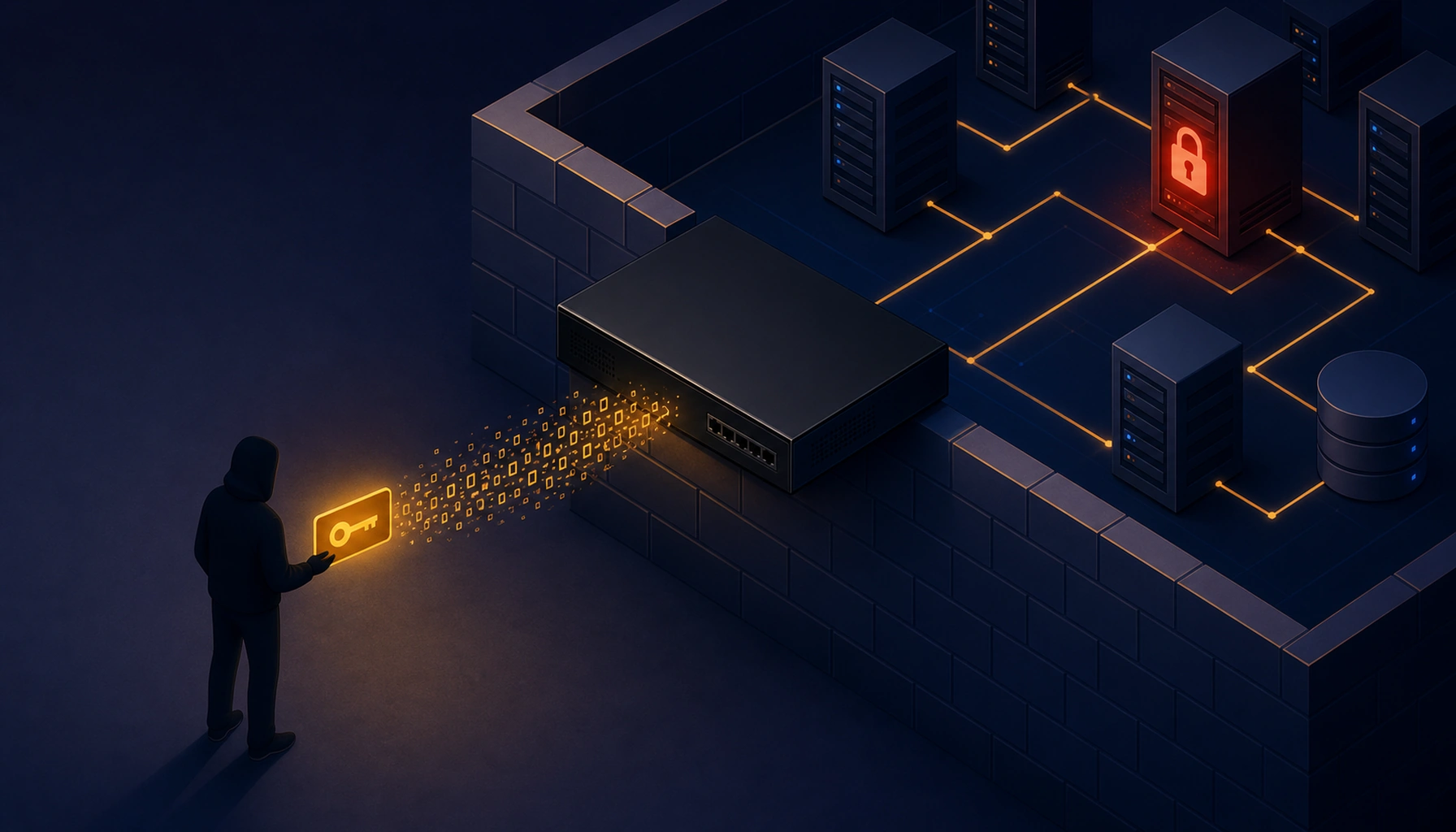
When an attacker sends a POST request to one of these endpoints with the login parameter present but empty, the NetScaler parses past the end of the supplied data and serializes a chunk of adjacent process heap memory – roughly 127 bytes – into the response. By spraying thousands of these malformed requests, an attacker accumulates enough heap fragments to locate a live, valid session token belonging to a currently authenticated user.
The stolen session token can then be replayed from a completely different IP address. NetScaler does not invalidate sessions based on IP change alone. The attacker is now inside an active session that was already authenticated – including any MFA factors the user completed at login. The MFA is irrelevant; authentication happened before the session was stolen.
In Huntress's most detailed forensic reconstruction, a legitimate user authenticated via LDAP plus MFA at 13:07 UTC. Twenty-one minutes later, at 13:28 UTC, the attacker was actively driving that same session from a different IP. There was no successful authentication event for the attacker's IP anywhere in the logs.
This differs from the original CitrixBleed (CVE-2023-4966) in its specific implementation, but the operational impact is nearly identical: pre-auth memory leak → session hijack → MFA bypass.
Why It Matters
- MFA provides zero protection. Once a live session token is replayed, the second factor has already been satisfied. Enforcing MFA does not block this attack.
- The exploit is mass-automated. Attackers spray thousands of malformed requests in a single five-hour window. The process is scripted and repeatable across any exposed appliance.
- It leads directly to ransomware. Huntress documented six intrusions ending in DragonForce ransomware deployment. The attack chain takes less than an hour from initial session theft to ransomware execution in the most compressed cases observed.
- NetScaler sits at the perimeter of your entire infrastructure. An attacker who hijacks a NetScaler-published desktop session gains a foothold inside your network from which they can reach servers, file shares, Active Directory, and anything else connected to the environment.
- Patching has been available for over a year, yet exploitation continues. CISA added this to KEV in July 2025. The Huntress intrusions ran through June 2026. Organizations that have not patched continue to be targeted.
- No workarounds exist. Citrix has stated explicitly that there are no mitigations other than upgrading to a fixed build.
Am I Affected?
You are affected if all three of the following apply:
- You operate customer-managed NetScaler ADC or NetScaler Gateway (not a Citrix-managed cloud service – Citrix has already patched those).
- Your appliance is configured as a Gateway (VPN virtual server, ICA Proxy, CVPN, or RDP Proxy) or as an AAA virtual server.
- You are running a build older than the fixed versions listed below.
You are not affected if:
- You use Citrix-managed cloud services or Citrix-managed Adaptive Authentication (Citrix upgraded these automatically).
- Your NetScaler is not configured as a Gateway or AAA virtual server.
- You have already upgraded to a fixed build.
| Branch | Fixed at |
|---|---|
| NetScaler ADC and Gateway 14.1 | 14.1-43.56 and later |
| NetScaler ADC and Gateway 13.1 | 13.1-58.32 and later |
| NetScaler ADC 13.1-FIPS / 13.1-NDcPP | 13.1-37.235 and later |
| NetScaler ADC 12.1-FIPS | 12.1-55.328 and later |
| NetScaler 12.1 (non-FIPS) | ⚠️ EOL – no fix, upgrade required |
| NetScaler 13.0 | ⚠️ EOL – no fix, upgrade required |
If you are on either of the EOL versions (12.1 non-FIPS or 13.0), you must upgrade your NetScaler to a supported release. No patch will be issued.
What to Do About It: Step-by-Step
1. Identify your NetScaler build version
Log into the NetScaler management interface and navigate to System → System Information, or run from the CLI:
show versionNote the build number and compare it against the fixed versions in the table above.
2. Upgrade to a fixed build
Download the fixed build from the Citrix downloads portal and follow your standard upgrade procedure. If you manage a fleet, NetScaler Console's upgrade jobs can automate the rollout.
3. Terminate all outstanding sessions after upgrading
Stolen session tokens may remain valid even after you patch, because the patch stops future leaks but does not invalidate already-stolen tokens. After upgrading, kill all active sessions on the appliance:
# From the NetScaler CLI — kills ICA/VPN sessions
kill aaa session -all
kill vpn session -all
Citrix specifically recommends executing session kill commands after upgrading.
4. Review your NetScaler logs for signs of exploitation
Look for the attack signature in ns.log: high-volume AAA LOGIN_FAILED events containing non-ASCII characters (binary garbage) in the username field. Those binary values are leaked heap memory, not failed password guesses. From the NetScaler shell:
zcat /var/log/ns.log.*.gz | awk -v FS='Authentication is rejected for ' \
  '{if($1~/AAA Message/&&$2~/[\x80-\xff]/) print}'
If output is returned, your appliance has been probed. This does not confirm a successful compromise, but it confirms active exploitation attempts. Preserve these logs before they rotate.
5. Check for rogue accounts and unauthorized remote access software
Attackers who successfully hijack sessions create backdoor local administrator accounts using Citrix-themed names. Audit for:
- Local Windows administrator accounts, especially
ctxsvc,CtxAppVCOMService, ortest– these are confirmed attacker-created accounts from the Huntress cluster. - Unexpected installations of ScreenConnect (ConnectWise Control), Zoho Assist, NetBird, or Atera on servers reachable from Citrix-published desktops.
- Unexpected
AppMgmtservice starts (cmd.exe /c sc start AppMgmt) in process logs. - ScreenConnect relay connections to
relay.dltsolutions[.]top,relay.eurofin[.]digital, orvpts[.]usin network logs.
6. If you suspect active compromise
Do not simply patch and continue operations. Treat this as a potential incident:
- Isolate the NetScaler appliance and any Windows servers that were accessible from Citrix-published desktops.
- Contact your incident response team or a managed security provider before you restore normal operations.
- Preserve all NetScaler logs (
ns.log), Windows event logs, and process history before they rotate or are overwritten. - Review Active Directory for unauthorized new accounts, group membership changes, and GPO modifications.
- If DragonForce-style encryption has begun, invoke your backup and disaster recovery plan immediately.
Quick-Win Checklist
- Identify your current NetScaler build (
show versionfrom CLI) - Compare against fixed builds – upgrade if you are below the threshold
- Kill all active sessions after upgrading (
kill aaa session -allandkill vpn session -all) - Search
ns.logfor non-ASCII characters inAAA LOGIN_FAILEDusername fields - Audit for rogue local admin accounts (
ctxsvc,CtxAppVCOMService,test) - Audit for unauthorized ScreenConnect or Zoho Assist installations
- Block or monitor outbound connections to
relay.dltsolutions[.]topandrelay.eurofin[.]digital - If on EOL 12.1 or 13.0, prioritize upgrading to a supported and patched NetScaler branch
Sources
- Seven Steps to Ransomware: CitrixBleed 2 Weaponized by Initial Access Brokers – Huntress, July 9, 2026
- Hackers Exploit CitrixBleed 2 to Hijack MFA-Protected Sessions and Deploy DragonForce Ransomware – GBHackers, July 10, 2026
- NetScaler Critical Security Updates for CVE-2025-6543 and CVE-2025-5777 – NetScaler Blog (Citrix), June 26 + July 11, 2025
- Evaluating NetScaler Logs for Indicators of Attempted Exploitation of CVE-2025-5777 – NetScaler Blog, July 15, 2025
- NetScaler ADC and NetScaler Gateway Security Bulletin CTX693420 – Citrix Support