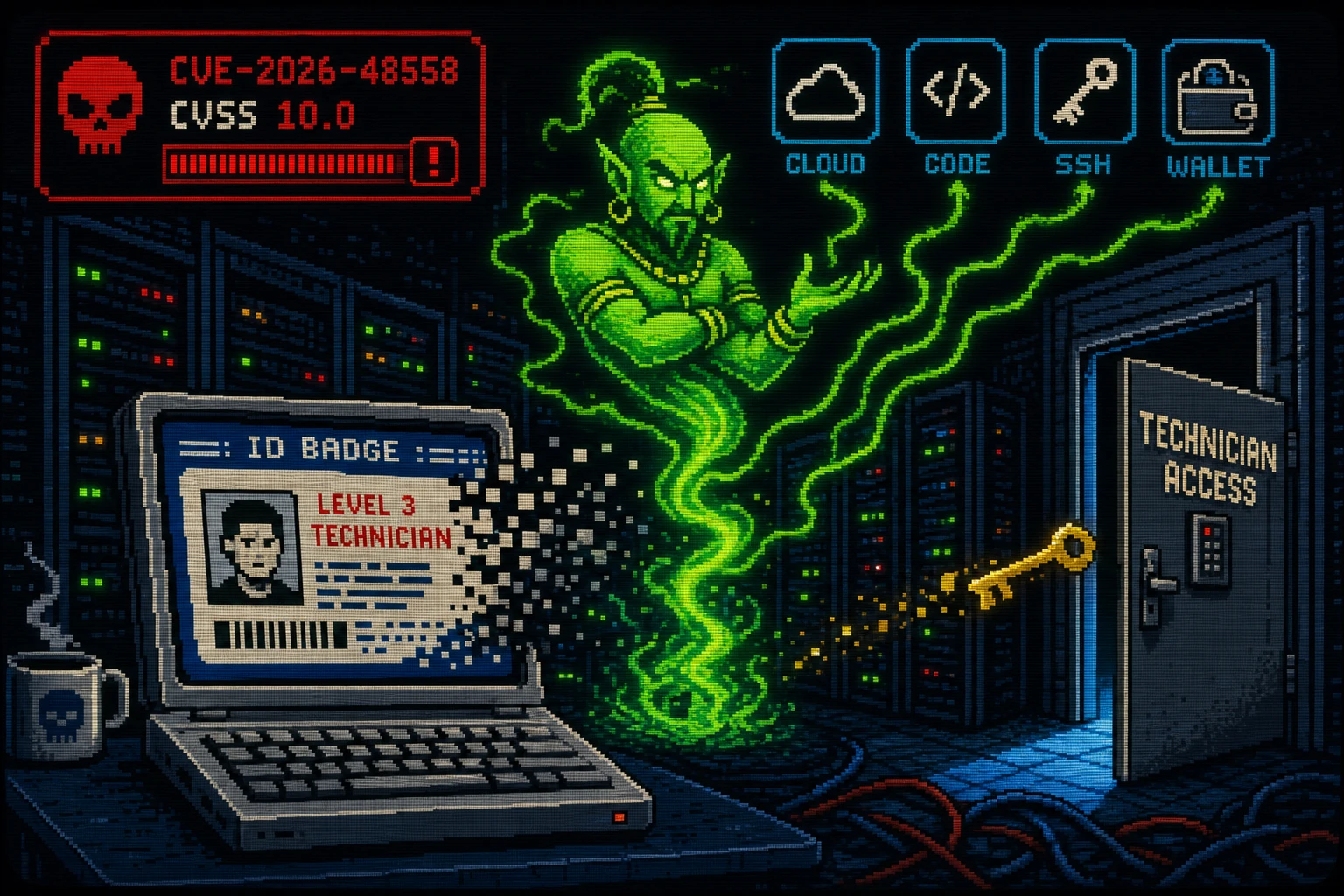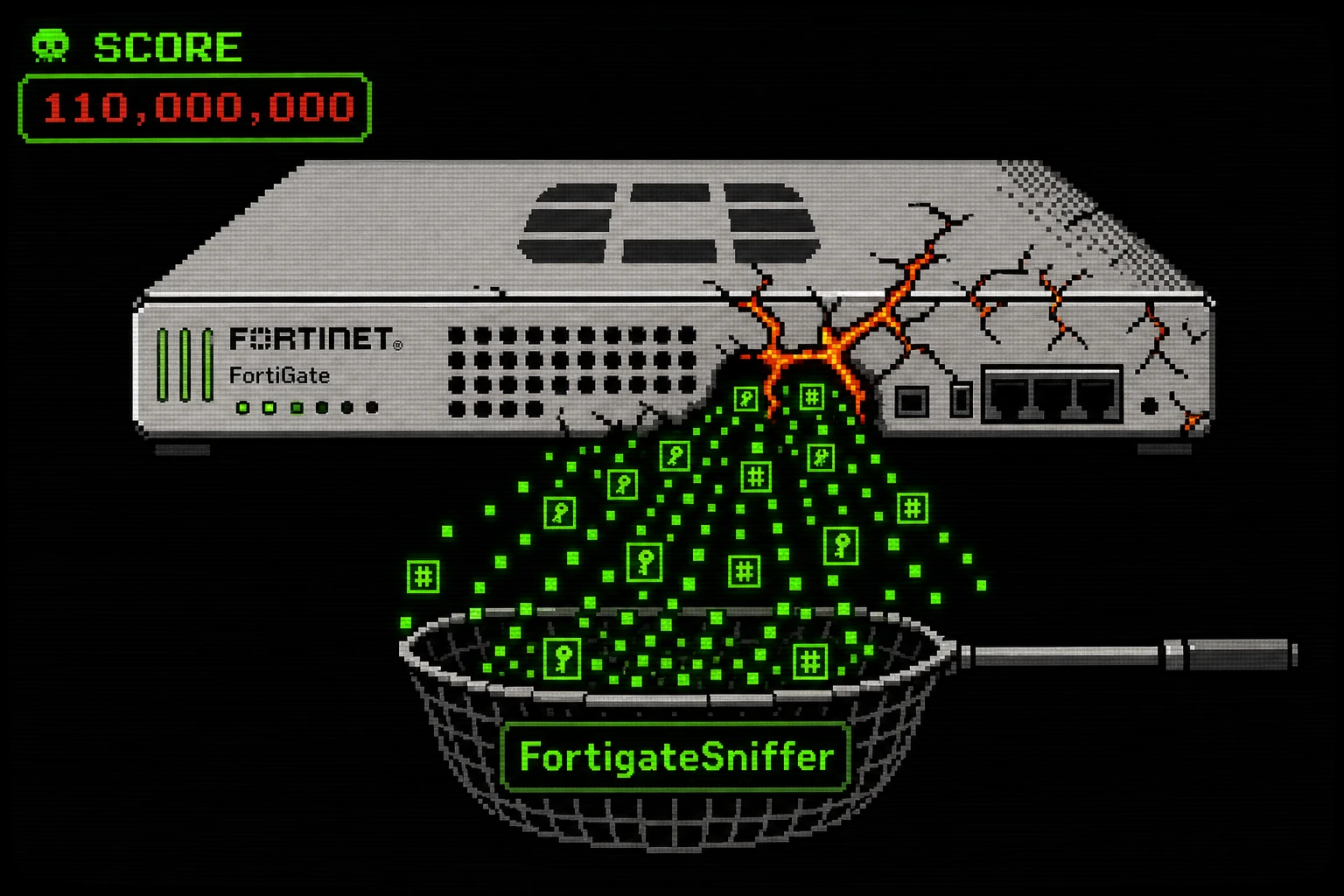
A Russian-speaking initial access broker (IAB) known as FortiBleed has been running a massive automated credential-harvesting campaign since February 2026, targeting internet-exposed FortiGate firewalls globally. The operation compromised over 86,644 confirmed FortiGate devices, targeted 430,000 firewalls across 194 countries, and captured more than 110 million credentials — including RADIUS tokens, NTLM hashes, Kerberos tickets, and MySQL authentication tokens. The campaign's signature tool is FortigateSniffer, a custom Golang program that abuses FortiOS's own built-in diagnostic command to passively capture authentication traffic on compromised firewalls without triggering alerts. If you run FortiGate firewalls — especially in an SMB environment — and have not rotated credentials and verified your firmware security settings recently, your organization may already be in this dataset.
What the Vulnerability Is
FortiBleed is not a single CVE — it is a five-stage automated attack pipeline combining known vulnerabilities, brute-force credential attacks, and post-compromise sniffer deployment.
Stage 1 — Mass Reconnaissance: Masscan and Shodan identify internet-exposed FortiGate firewalls. A custom tool called FortiProbe-fast filters and validates the results; GeoSplit groups targets by country for regional pipeline execution.
Stage 2 — Credential-Based Compromise: The "forticheck" tool brute-forces FortiGate admin panels and SSL-VPN portals using credential stuffing (password lists from prior breaches) and dictionary attacks with up to 1,000 simultaneous threads. Known FortiOS vulnerabilities — CVE-2026-24858, CVE-2025-59718, and CVE-2025-59719 — were also leveraged as direct entry vectors for devices that hadn't been patched.
Stage 3 — Passive Credential Harvesting via FortigateSniffer: Once SSH access is established, FortigateSniffer is deployed. This Golang tool exploits FortiOS's own built-in diagnostic command (diagnose sniffer packet) to passively intercept authentication traffic across 24 protocols — including TACACS+, Kerberos, RPC, SMB, LDAP, SMTP, FTP, Telnet, RDP, WinRM, MS-SQL, MySQL, PostgreSQL, and RADIUS. Because it uses a legitimate FortiOS diagnostic function, it is largely invisible to standard security monitoring tools. The tool operates between 7 a.m. and 6 p.m. Moscow Time and is geofenced to specific IP ranges.
Stage 4 — Hash Cracking and Lateral Movement: Captured password hashes are cracked using Hashmat and Hashtopolis, coordinated via a Telegram bot called HASHBOT. Cracked credentials are used for Active Directory enumeration and lateral movement into the victim's internal network.
Stage 5 — Exfiltration and Persistence: Sensitive data from network shares is exfiltrated. Stolen session cookies maintain persistent authenticated access even after password changes.
The operation runs in 300-minute (five-hour) pipeline cycles. In the first cycles observed, the successful credential validation rate was approximately 90% — meaning most brute-force attempts against targeted devices succeeded, indicating widespread use of default or weak passwords.
A key root cause of the large-scale impact: legacy SHA-256 password hashing in older FortiOS versions. Fortinet introduced PBKDF2-based password hashing in FortiOS 7.2.11, 7.4.8, and 7.6.1 — but critically, this only takes effect after an admin re-authenticates post-upgrade. Simply updating FortiOS is not sufficient.
Why It Matters
FortiGate devices are the network perimeter for hundreds of thousands of SMBs globally. A compromised FortiGate means an attacker can see all traffic crossing the firewall, harvest credentials for every internal service, and sell that access to ransomware operators. The threat actor behind FortiBleed was advertising access to compromised FortiGate environments starting at $30,000 per environment.
The campaign deliberately targets SMBs with fewer than 200 employees, with a particular focus on IT services providers. Compromising a managed service provider creates downstream access to that provider's entire client base — making this a supply chain attack vector.
Am I Affected?
Your FortiGate deployment is at elevated risk if you have:
- SSL-VPN or the admin panel exposed directly to the internet
- Not rotated all VPN and admin passwords since early 2026
- FortiOS older than 7.2.11, 7.4.8, or 7.6.1 (pre-PBKDF2 versions)
- Admin accounts without MFA enabled
- Deployed in an SMB or IT services environment with fewer than 200 employees
Check CISA's advisory for indicators of compromise. Look specifically for unexpected diagnose sniffer packet processes in FortiOS diagnostic logs and SSH sessions from unfamiliar geographic IP addresses.
Step-by-Step Remediation
- Patch FortiOS immediately. Upgrade to FortiOS 7.2.11, 7.4.8, or 7.6.1 or later. These versions introduce PBKDF2-based password hashing, which makes cracked hashes from the FortigateSniffer far less useful.
- After upgrading, force all admin accounts to re-authenticate. PBKDF2 hashing only applies after a new login. Reset or expire every admin password immediately after the upgrade to force re-authentication and re-hashing.
- Rotate ALL VPN user passwords. Treat every credential that authenticated to this device before the upgrade as potentially compromised. Issue a forced password reset for all SSL-VPN users.
- Enable phishing-resistant MFA on all admin accounts and SSL-VPN users. FortiAuthenticator or FIDO2 hardware tokens are recommended.
- Restrict internet-facing exposure:
- Remove the admin panel from public internet access entirely if at all possible. Use an out-of-band management interface.
- If SSL-VPN must remain internet-facing, enforce geographic restrictions and allowlist source IPs where feasible.
- Disable any services on the WAN interface that are not explicitly required.
- Audit SSH authorized keys on all FortiGate devices for keys you did not add.
- Review FortiOS diagnostic logs for
diagnose sniffer packetcommands not initiated by your team — this is the FortigateSniffer's operational fingerprint. - Check CISA's advisory and SpyCloud's FortiBleed report for published IoCs. Compare against your firewall logs, authentication logs, and Active Directory event logs.
- If you suspect the device was compromised: assume all credentials that authenticated to or through this device are burned. Initiate an org-wide Active Directory password reset, invalidate all session tokens and cookies, and engage your incident response process.
Quick-Win Checklist
- FortiOS upgraded to 7.2.11 / 7.4.8 / 7.6.1 or later
- All admin passwords reset post-upgrade (to trigger PBKDF2 re-hashing)
- All VPN user passwords rotated
- MFA enforced on all admin and SSL-VPN accounts
- Admin panel not exposed to public internet
- SSL-VPN geo-restricted and/or IP allowlisted
- SSH authorized keys audited — no unexpected keys present
- FortiOS diagnostic logs reviewed for unauthorized sniffer activity
- CISA / SpyCloud IoCs checked against authentication and network logs
Sources
- FortiBleed Targeted FortiGate Firewalls in 110 Million-Credential Harvesting Operation — The Hacker News, June 23, 2026
- FortiBleed campaign used custom FortiGate sniffer to steal credentials — BleepingComputer
- Russian Initial Access Broker Behind FortiBleed Campaign — SecurityWeek
- Dismantling FortiBleed — SOCRadar Report
- What SpyCloud Found Inside the FortiBleed Threat Actor Infrastructure — SpyCloud