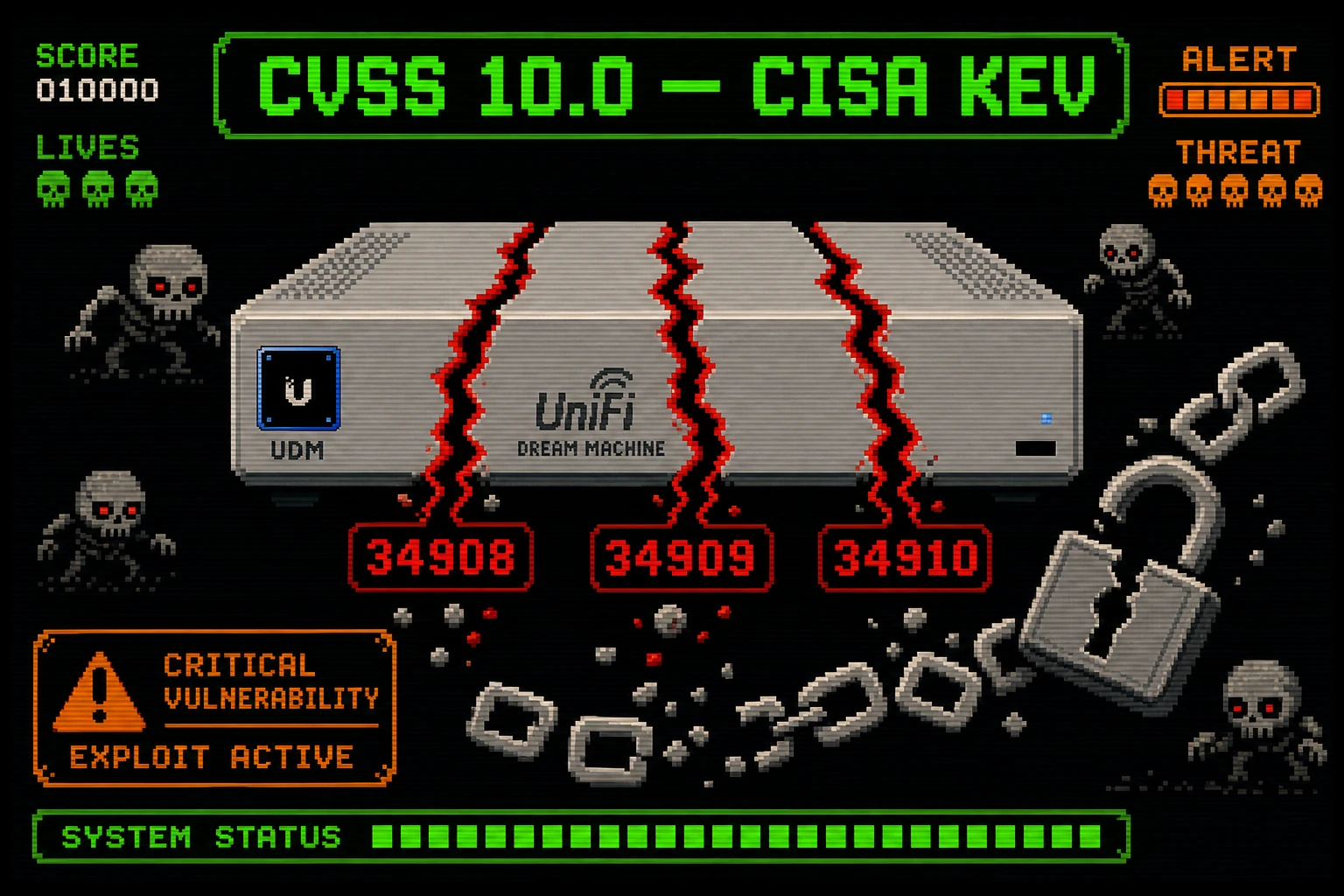
CISA has added three Ubiquiti UniFi OS vulnerabilities to its Known Exploited Vulnerabilities (KEV) catalog after confirming active exploitation in the wild. Each flaw carries a maximum CVSS score of 10.0. Researchers at Bishop Fox demonstrated that all three can be chained together — no authentication required — to achieve full remote code execution with root-level privileges on any vulnerable UniFi OS device. If your business runs Ubiquiti UniFi Dream Machine, UniFi OS Console, or any appliance running UniFi OS, this needs your attention today.
What the Vulnerability Is
Three distinct flaws exist in Ubiquiti UniFi OS:
CVE-2026-34908 — Access Control Bypass (CVSS 10.0)
An unauthenticated attacker can bypass access controls entirely, making unauthorized changes to a UniFi OS system. This is the entry point of the attack chain — no credentials needed.
CVE-2026-34909 — Path Traversal / Directory Traversal (CVSS 10.0)
Once inside (or exploitable standalone), an attacker can traverse the underlying filesystem to read sensitive files — configuration files, stored credentials, session tokens. Anything the OS can read, the attacker can read.
CVE-2026-34910 — OS Command Injection (CVSS 10.0)
Improper input validation allows an attacker to inject arbitrary operating system commands. When chained after CVE-2026-34908 and CVE-2026-34909, this results in unauthenticated remote code execution at the root level.
Bishop Fox demonstrated the full chain: unauthenticated access bypass → credential/config extraction → OS command injection → root shell. They also published a free detection script on GitHub to help you find vulnerable instances before attackers do.
Why It Matters
UniFi OS devices sit at the perimeter and core of your network — they are your firewall, your router, your network controller. A root-level compromise of a UniFi OS device means an attacker owns your network traffic, can pivot to every device on your LAN, can intercept credentials, and can plant persistent backdoors. CISA's inclusion in the KEV catalog means this is not theoretical — it is actively being weaponized.
Under BOD 26-04, federal agencies had three days from June 24, 2026 to patch. SMBs and hosting operators should treat this with the same urgency. Commodity malware has already been observed deploying via this exploit chain.
Am I Affected?
You are affected if you run any Ubiquiti UniFi OS device — including:
- UniFi Dream Machine (UDM, UDM-Pro, UDM-SE)
- UniFi Dream Router (UDR)
- UniFi Cloud Gateway (UCG, UCG-Ultra, UCG-Max)
- UniFi Network Video Recorder (UNVR, UNVR-Pro)
- UniFi Console (any model)
If your UniFi OS firmware was not updated in May or June 2026, assume you are vulnerable. Use the Bishop Fox detection script to confirm before and after patching.
Step-by-Step Remediation
- Log in to your UniFi OS console (typically at your gateway's IP, or via
unifi.ui.com). - Navigate to Settings → System → Firmware Update and check your current firmware version.
- Apply all available firmware updates for your UniFi OS device. Ubiquiti patched all three CVEs in May 2026.
- Reboot the device after patching to ensure the update is fully applied.
- Run the Bishop Fox detection script from a trusted machine on your network:
curl -s https://raw.githubusercontent.com/BishopFox/CVE-2026-34908-check/main/check.sh | bash -s -- <your-device-ip> - Audit admin accounts: log in to the UniFi OS admin panel and review all admin accounts. Remove any you did not create.
- Audit SSH authorized keys on the device for any keys you did not add.
- Restrict management access: your UniFi OS management interface should never be exposed to the public internet. Place it on an isolated VLAN or management network, or restrict access to trusted IPs via firewall rules.
- Enable two-factor authentication on your Ubiquiti SSO account and all UniFi OS admin accounts.
- Review firewall rules for unexpected inbound rules added recently — post-exploitation persistence often involves injecting new firewall rules.
Quick-Win Checklist
- UniFi OS firmware updated to latest version (May 2026 patch or newer)
- Bishop Fox detection script shows clean
- Admin panel NOT exposed to public internet
- All admin accounts audited — no unknown accounts present
- SSH authorized keys reviewed — no unexpected keys
- 2FA enabled on Ubiquiti account and all admin accounts
- Management interface restricted to trusted IPs or management VLAN