On July 7, 2026, Ubiquiti published Security Advisory Bulletin 066, disclosing 25 vulnerabilities across the UniFi ecosystem. Seven are rated critical (CVSS 9.0–10.0), and the most severe – CVE-2026-50746 (CVSS 10.0) in the UniFi Connect Application – lets a network-adjacent attacker run commands on the host with no authentication at all. The rest span SQL injection, server-side request forgery (SSRF), command injection, path traversal, and access-control flaws in Talk, Access, Protect, Network Application, and the core UniFi OS platform.
There is no evidence of exploitation in the wild yet, but the numbers are ugly: unauthenticated critical bugs, roughly 100,000 UniFi OS consoles reachable from the public internet (per Censys), and – notably – Ubiquiti lists no workarounds for any of the 25 entries. Patching is the only fix. If you self-host a UniFi controller or run a UDM/UNVR/UNAS on your network, treat this as an update-now event, especially where the management interface is internet-facing.
What the Vulnerabilities Are
Bulletin 066 is a coordinated batch, not a single flaw. The critical tier breaks down as follows:
- CVE-2026-50746 (CVSS 10.0, UniFi Connect Application) – Improper access control that allows an attacker with network access to execute a command injection on the host device without authentication. This is the headline flaw. Affects 3.4.16 and earlier; fixed in 3.4.20.
- CVE-2026-50747 (CVSS 9.9, UniFi Talk Application) – A series of authenticated SQL injection issues that let a low-privileged network user escalate to full control. Affects 5.1.2 and earlier; fixed in 5.2.2.
- CVE-2026-50748 (CVSS 9.9, UniFi Access Application) – Improper input validation leading to command injection on the host. Affects 4.2.28 and earlier; fixed in 4.2.29.
- CVE-2026-54402 (CVSS 9.9, UniFi OS) – Improper input validation → command injection on the host. Affects UniFi OS 5.1.15–5.1.18 and earlier; fixed in 5.1.19.
- CVE-2026-55115 (CVSS 9.9, UniFi Protect Application) – An SSRF flaw a low-privileged attacker can use to escalate privileges. Affects 7.1.77 and earlier; fixed in 7.1.83.
- CVE-2026-54400 (CVSS 9.1, UniFi Access Application) – Improper access control enabling privilege escalation (requires high privileges). Affects 4.2.28 and earlier; fixed in 4.2.29.
- CVE-2026-55116 (CVSS 9.0, UniFi OS) – Improper access control on UDM/UDM-Pro/UDM-SE and related gateway hardware that permits unauthorized configuration changes under certain network conditions. Affects UniFi OS 5.1.15–5.1.18 and earlier; fixed in 5.1.19.
Beyond the critical tier, the high-severity set matters because Ubiquiti explicitly flags chainable paths. CVE-2026-54403 (CVSS 8.6), a path traversal bug in UniFi OS, is called out by Ubiquiti as combinable with other issues to bypass the low-privilege access requirement entirely – meaning a bug that reads "requires a foothold" can, in a chain, become effectively unauthenticated. Other high-severity entries include SQL injection in Protect (CVE-2026-56841, 8.8) and Network Application (CVE-2026-54404, 8.8), SSRF in UniFi OS (CVE-2026-54401, 7.7), and two authentication-bypass issues in Protect API endpoints (CVE-2026-54407 and CVE-2026-54408, both 8.6).
Why It Matters
- Unauthenticated, network-reachable code execution. CVE-2026-50746 needs no credentials and no user interaction – just network access to the Connect application. That is the worst-case profile for an internet-exposed management console.
- Large exposed footprint. Around 100,000 UniFi OS endpoints are reachable from the public internet according to Censys. Many small businesses and home-lab/self-hosting setups expose the controller UI for remote management.
- No workarounds. Ubiquiti lists no interim mitigations for any of the 25 items. You cannot config your way out of this; you update or you stay vulnerable.
- Chainable path traversal defeats the "low-priv" excuse. CVE-2026-54403 can be combined to drop the privilege requirement, so treating the high-severity bugs as "less urgent" is a mistake when they compose with the criticals.
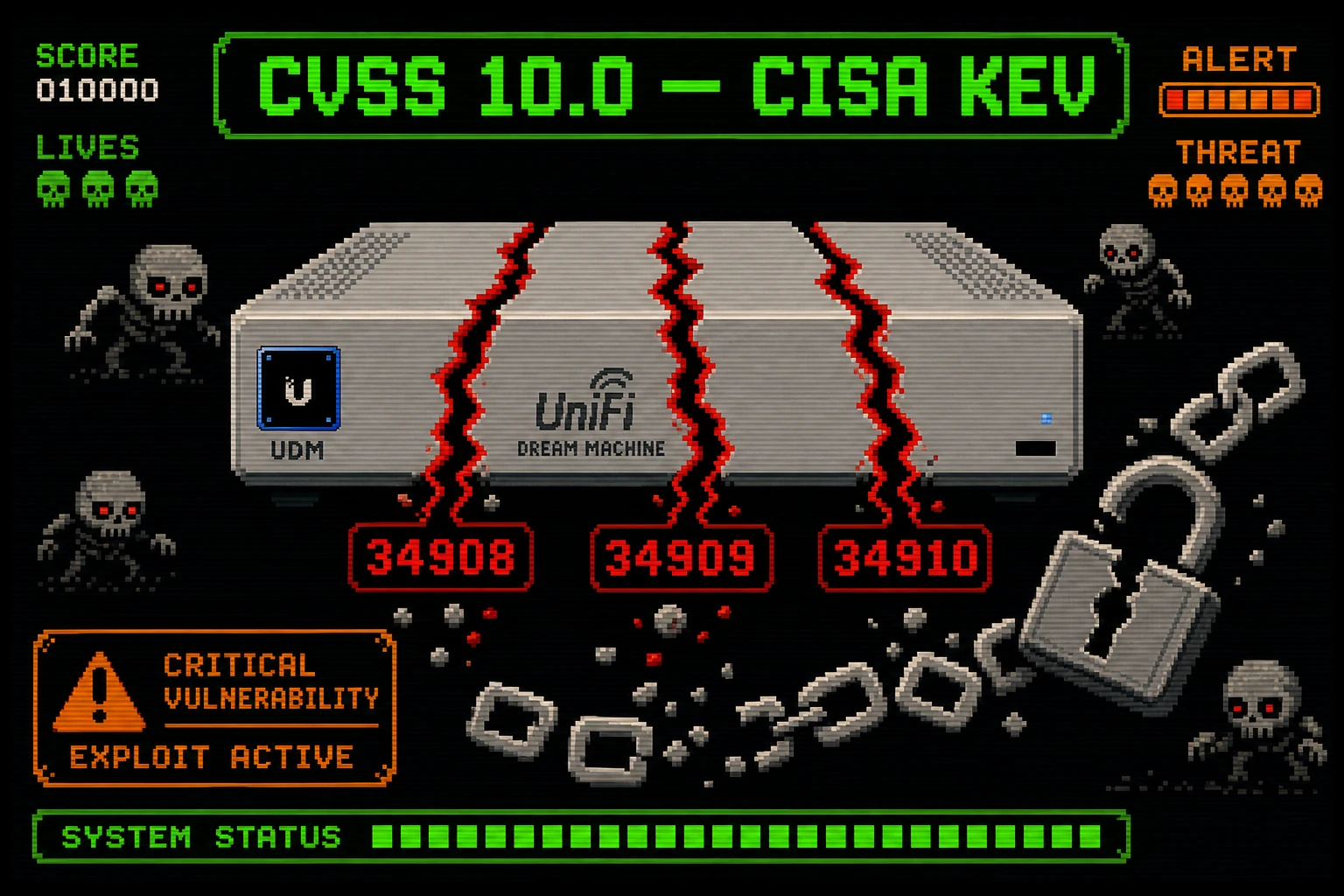
- History says these get weaponized. Last month CISA flagged three earlier UniFi OS flaws (CVE-2026-34908/34909/34910) as exploited in the wild, and Ubiquiti gear has previously been enlisted into proxy botnets (MooBot). A clean "not exploited yet" status can flip fast once patches reveal the bugs.
Am I Affected?
You are in scope if you run any of the following at or below the listed vulnerable version:
- UniFi Connect Application ≤ 3.4.16
- UniFi Talk Application ≤ 5.1.2
- UniFi Access Application ≤ 4.2.28
- UniFi Network Application ≤ 10.3.58
- UniFi Protect Application ≤ 7.1.77
- UniFi Protect Floodlight ≤ 1.13.4
- UniFi OS (UDM, UDM-Pro, UDM-SE, UNVR, UNAS families) 5.1.15–5.1.18 and earlier
Your exposure is highest if the UniFi management interface (or a self-hosted UniFi Network/Protect/Access/Talk/Connect application) is reachable from the internet, rather than restricted to a LAN or VPN. Devices set to auto-update may already be patched – verify rather than assume.
What to Do About It: Step-by-Step
1. Patch every affected product to its fixed version. This is the only remediation Ubiquiti provides:
- UniFi Connect → 3.4.20+
- UniFi Talk → 5.2.2+
- UniFi Access → 4.2.29+
- UniFi Network Application → 10.4.57+
- UniFi Protect → 7.1.83+
- UniFi Protect Floodlight → 1.13.6+
- UniFi OS (UDM/UNVR/UNAS) → 5.1.19+
2. Update UniFi OS first on internet-exposed consoles. The OS-level command injection (CVE-2026-54402) and the chainable path traversal (CVE-2026-54403) sit on the platform every other app runs on top of. In the UniFi console: Settings → System → Updates, or update from the UniFi mobile/web portal.
3. Verify the running version after updating. Confirm each application and the UniFi OS build actually reflects the fixed version – check per-application version strings, not just the console banner.
4. Pull the management plane off the public internet. While there are no official workarounds for the bugs themselves, reducing attack surface is still worth it: restrict the controller/UI to LAN, put remote access behind a VPN, or use Ubiquiti's remote-access portal instead of exposing ports directly.
5. Enable auto-updates going forward. For UDM/UNVR/UNAS gateways, turn on automatic firmware updates so the next batch lands without a manual scramble.
6. Hunt for signs of prior compromise on exposed devices. Review admin accounts, config changes, and outbound connections; Ubiquiti hardware has been abused as botnet/proxy infrastructure before, so an exposed-and-unpatched console warrants a look even though no active exploitation is confirmed for these specific CVEs.
Quick-Win Checklist
- Inventory every UniFi application and UniFi OS console you run, with current versions.
- Update UniFi OS to 5.1.19+ on all UDM/UNVR/UNAS devices.
- Update Connect (3.4.20+), Talk (5.2.2+), Access (4.2.29+), Network (10.4.57+), Protect (7.1.83+), Floodlight (1.13.6+).
- Confirm fixed versions are actually running after the update.
- Remove the management interface from direct internet exposure; use VPN or the official remote portal.
- Turn on automatic firmware updates for gateways/consoles.
- Review admin accounts, config changes, and logs on any device that was internet-exposed.