CVE-2026-14345 is a critical remote code execution flaw in WPFunnels – Funnel Builder for WooCommerce with Checkout & One Click Upsell, a WordPress plugin. All versions up to and including 3.12.7 are vulnerable; the fix landed in 3.12.8. The bug carries a CVSS score of 9.8 and was publicly disclosed on July 7, 2026. An unauthenticated attacker can inject attacker-controlled data into a PHP-includeable .log file via the postData parameter; when that log is later rendered through an include_once, the injected PHP executes on the server. The injection step itself requires no login, because the nonce needed to reach the endpoint is publicly emitted on every funnel step page. Sites running the affected plugin should update to 3.12.8 immediately.
What the Vulnerability Is
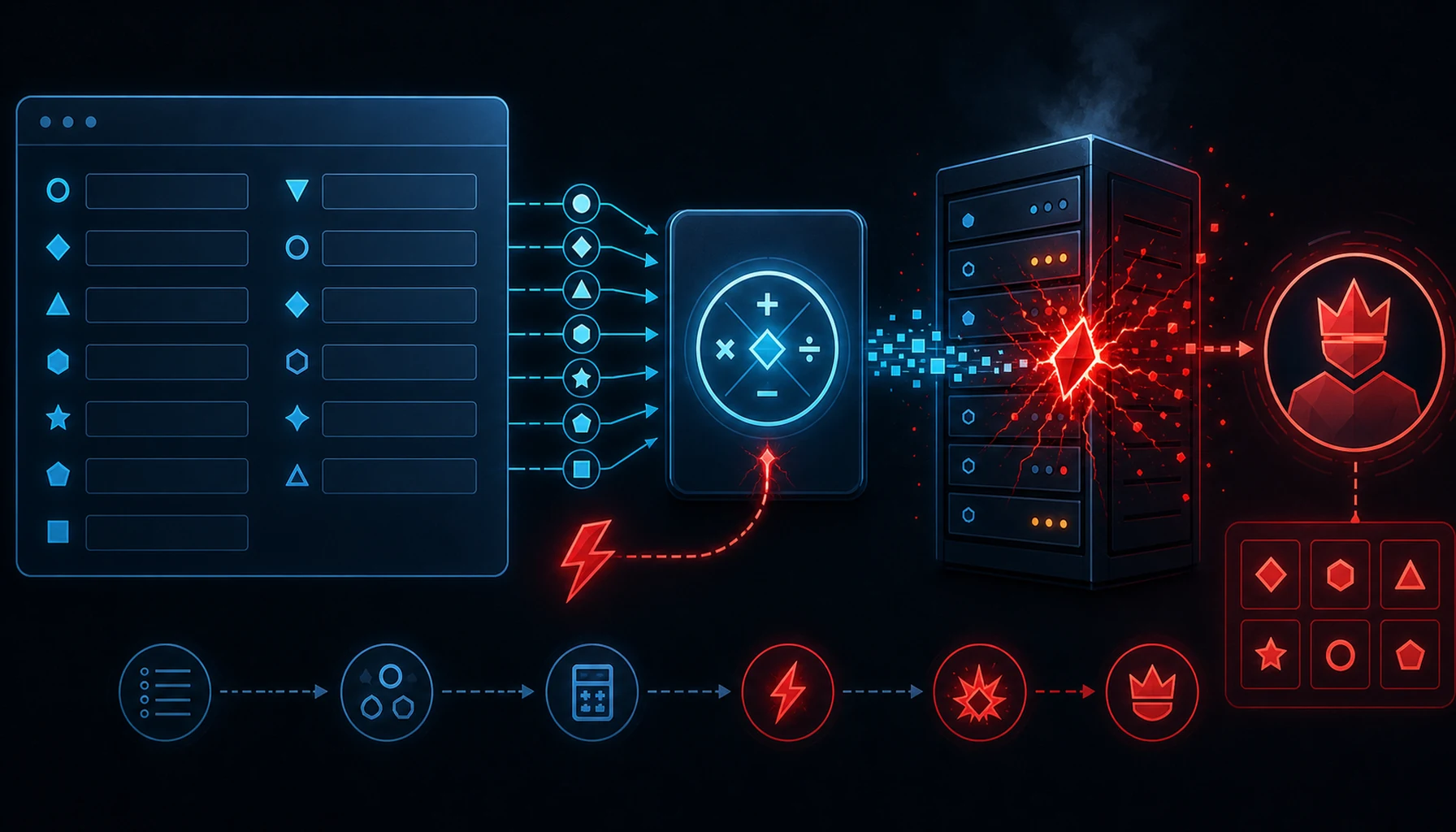
The flaw is a two-stage log-poisoning → local file inclusion chain:
- Unauthenticated injection. The plugin writes attacker-controlled
postDatavalues into a.logfile without sanitization. The endpoint is nominally nonce-protected, but the required nonce is publicly emitted on every funnel step page — so any unauthenticated visitor can obtain it and write arbitrary content (including PHP code) into the log. - Execution via include. The function
wpfnl_show_logrenders that log file usinginclude_once. Because PHP treats an included file as code, the previously-injected PHP payload is executed in the web server's context — full RCE.
There is one dependency on the execution side: the Log Settings "Enable Logs" toggle must be on, and an administrator must open the polluted log via the plugin's Log Settings View UI to trigger the include. But the dangerous, remotely-reachable half — writing a PHP payload into a server-side file — is fully unauthenticated. That combination is why the CVE is rated 9.8.
Why It Matters
- Unauthenticated payload delivery. The injection needs no account; the protective nonce is handed out on public funnel pages.
- RCE in the web server context. Successful execution means arbitrary PHP: web shells, data theft, admin creation, and full site takeover.
- WooCommerce reach. WPFunnels targets stores running sales funnels and one-click upsells — sites that handle orders and customer/payment data, raising the stakes of a compromise.
- Log-poisoning is durable. A planted payload sits in a file waiting to be included; the trigger can come whenever logs are viewed.
- Public disclosure. With the technique documented publicly, opportunistic scanning for vulnerable installs is likely.
Am I Affected?
You are affected if you run WPFunnels – Funnel Builder for WooCommerce at version 3.12.7 or earlier.
Your exposure is highest if:
- The plugin's "Enable Logs" setting is turned on, and
- Administrators periodically open the plugin's Log Settings view (which triggers the vulnerable
include_once).
Even with logging off, treat an outdated install as unsafe — the unauthenticated write primitive exists regardless, and settings change. Check your version under WordPress Admin → Plugins, and review WPFunnels → Settings → Logs.
What to Do About It: Step-by-Step
- Update WPFunnels to 3.12.8 or later (primary fix). From WordPress Admin → Plugins → Installed Plugins, update WPFunnels, or via WP-CLI:
wp plugin update wpfunnels wp plugin get wpfunnels --field=version # confirm 3.12.8 or newer - If you can't update immediately, disable logging and restrict access. Turn off the "Enable Logs" toggle in WPFunnels settings so the vulnerable log-view path can't be triggered, and consider deactivating the plugin until you patch. A WAF rule blocking the opt-in/log endpoints buys additional time.
- Inspect the plugin's log files and web root for injected PHP. Look for PHP tags or suspicious code inside WPFunnels
.logfiles and for any newly-created.phpfiles:# search WPFunnels logs for injected PHP grep -RilE "<\?php|eval\(|base64_decode\(|system\(|passthru\(" wp-content/ --include='*.log' # recently added/modified PHP files under the web root find . -name '*.php' -mtime -14 -type f -print - If you find evidence of execution, treat the site as compromised. Rotate all WordPress admin passwords, database credentials, and API/secret keys (
wp config shuffle-salts), audit for rogue admin users, and remove any web shells before restoring from a known-good backup if needed. - Harden going forward. Keep automatic plugin updates enabled where practical, disable verbose logging in production unless needed, and disallow PHP execution in directories that should only hold data/log files.
Quick-Win Checklist
- Check the installed WPFunnels version.
- Update to 3.12.8+ immediately.
- If patching is delayed, turn off "Enable Logs" and/or deactivate the plugin.
- Grep WPFunnels
.logfiles for injected PHP payloads. - Scan the web root for new/unexpected
.phpfiles. - Rotate credentials and salts if compromise is suspected.
- Audit for rogue admin accounts.
- Disable PHP execution in log/upload directories.