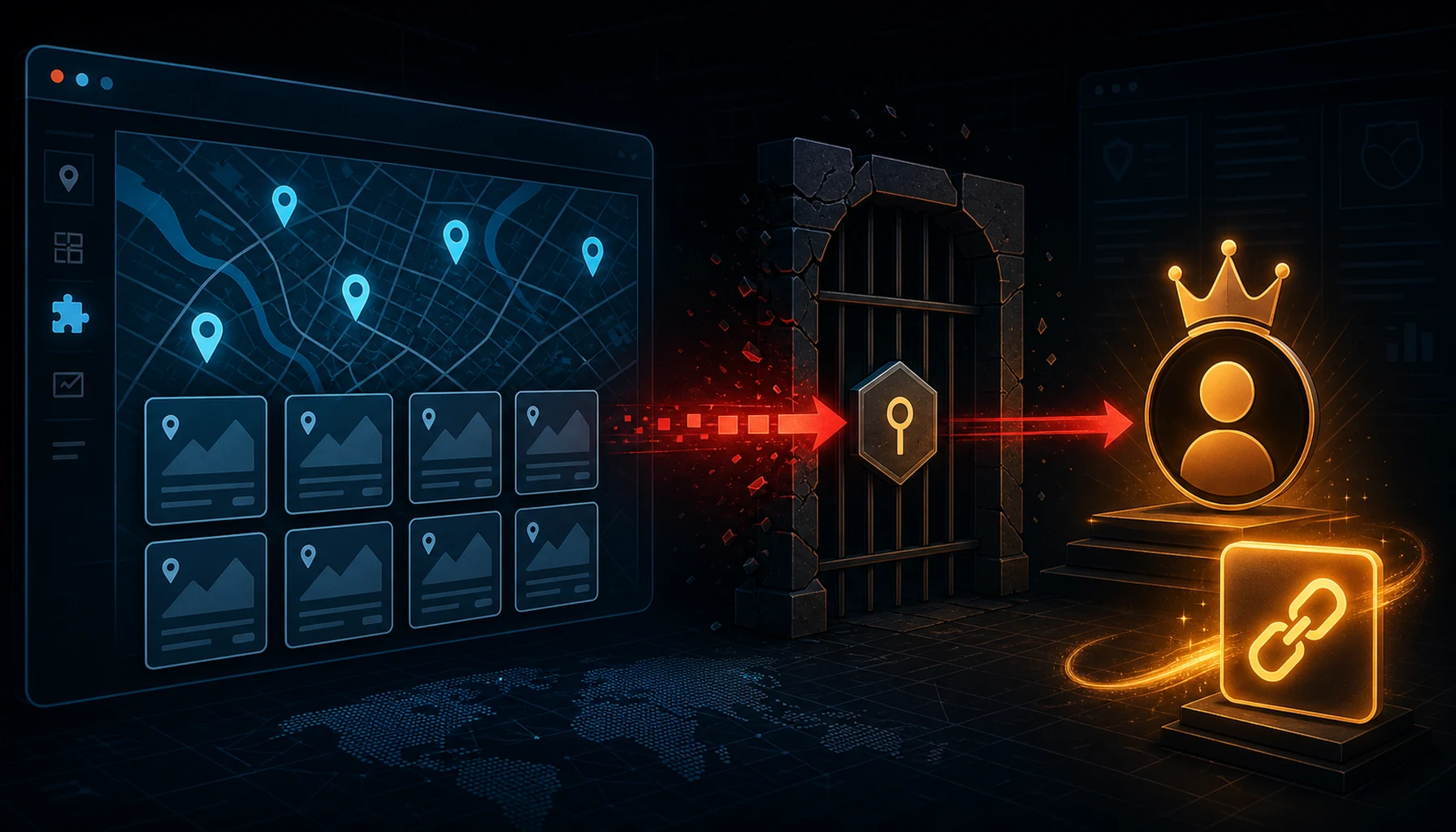
Hackers are actively exploiting a critical privilege escalation vulnerability in the Kirki Customizer Framework WordPress plugin, allowing unauthenticated attackers to take over any user account on the site — including administrator accounts. The vulnerability is tracked as CVE-2026-8206 and was patched by the Kirki development team, but exploitation activity is ongoing. Wordfence has blocked over 222 exploit attempts against its customers in a single 24-hour period, indicating broad automated exploitation.
Kirki is a popular toolkit for building WordPress Customizer-based theme options, used on hundreds of thousands of WordPress sites globally.
Affected Software and Versions
CVE-2026-8206 affects the Kirki Customizer Framework plugin versions 6.0.0 through 6.0.6; it is fixed in 6.0.7 (released May 18, 2026), available as the latest version in the WordPress plugin repository. CVSS Score: 9.8 (Critical). Attack vector: network, unauthenticated. Actively exploited: Yes — Wordfence blocked 222+ attempts in a single day.
Check your installed version
Kirki is frequently bundled inside commercial premium themes, so it can be running on your site even if you never installed it deliberately. Confirm whether your copy falls in the 6.0.0–6.0.6 vulnerable range:
# Read the version straight from the plugin header
grep -i "Version:" /path/to/wp-content/plugins/kirki/kirki.php

# Or check the stable tag in the readme
grep -i "Stable tag" /path/to/wp-content/plugins/kirki/readme.txt

# With WP-CLI, list every installed copy and its version at once
wp plugin get kirki --field=version
Any version from 6.0.0 to 6.0.6 is vulnerable; 6.0.7 or later is patched. If the plugin came bundled with your theme, it may update only when the theme updates — so check the installed version directly rather than assuming a current theme means a current Kirki.
What Is the Vulnerability?
The Kirki plugin contains an unauthenticated privilege escalation vulnerability. While the full technical disclosure has not been published, the vulnerability class means that an attacker who has no account on the WordPress site whatsoever can trigger a code path that:
- Bypasses WordPress authentication and permission checks.
- Elevates the attacker's effective privileges to those of an existing user, up to and including the site Administrator role.
The typical mechanism for this class of vulnerability in WordPress plugins involves a REST API or AJAX endpoint missing a nonce check or capability check, a password reset or account modification workflow that does not properly verify the identity of the requesting party, or a token-based authentication mechanism with a predictable or improperly validated token.
How the Attack Works
Once an attacker exploits this flaw to take over an administrator account, the immediate consequences are severe:
- Full site takeover: WordPress administrators can install and activate plugins, modify themes, change site settings, and access all content.
- Backdoor installation: Attackers routinely install malicious plugins or inject PHP backdoors into theme files immediately after gaining admin access.
- Credential harvesting: Admin access to WordPress provides access to user email addresses, hashed passwords, and any data stored in the database.
- SEO spam and redirects: A compromised site is frequently weaponized for spam link injection, redirecting visitors to malware landing pages, or serving phishing content.
- Pivot to server: From WordPress admin, attackers can upload web shells disguised as plugin files and escalate to server-level code execution.
Active Exploitation Confirmed
Wordfence has confirmed active exploitation in the wild, blocking over 222 attempts against its customer base within a 24-hour window. The volume suggests automated tooling is being used to scan for vulnerable Kirki installations across the internet. Exploitation is likely to increase as the vulnerability becomes more widely known in the attacker community.
Kirki is widely deployed as a dependency in many commercial WordPress themes — meaning site owners may have it installed as a requirement of their theme without being directly aware of it.
Check if you have Kirki installed by going to Plugins → Installed Plugins in your WordPress admin and searching for "Kirki", or via WP-CLI:
wp plugin list | grep kirkiRemediation
Immediate Steps
- Update the Kirki plugin immediately to the latest available version via Plugins → Updates in your WordPress admin dashboard, or via WP-CLI:
wp plugin update kirki - Audit your administrator accounts. Go to Users → All Users in WordPress admin and filter by "Administrator" role. Remove any unrecognized accounts.
- Check for newly installed or recently modified plugins and theme files. Review file modification dates in your
wp-content/plugins/andwp-content/themes/directories:find /var/www/html/wp-content/ -newer /var/www/html/wp-login.php -name "*.php" | head -50 - Review server logs for POST requests to WordPress REST API and admin-ajax.php endpoints from unusual IPs.
- Change all admin passwords as a precaution, and revoke any active session tokens by updating the
AUTH_KEYinwp-config.php.
Mitigations if Update Is Not Immediately Possible
- If Kirki is a dependency of your theme and cannot be updated independently, check whether the theme vendor has released a theme update that bundles a patched Kirki version.
- Temporarily deactivate the Kirki plugin if your site's functionality permits — this removes the attack surface until a patch can be applied.
- Use a WAF (Wordfence Premium, Cloudflare WAF) with up-to-date rules to block known exploitation patterns.